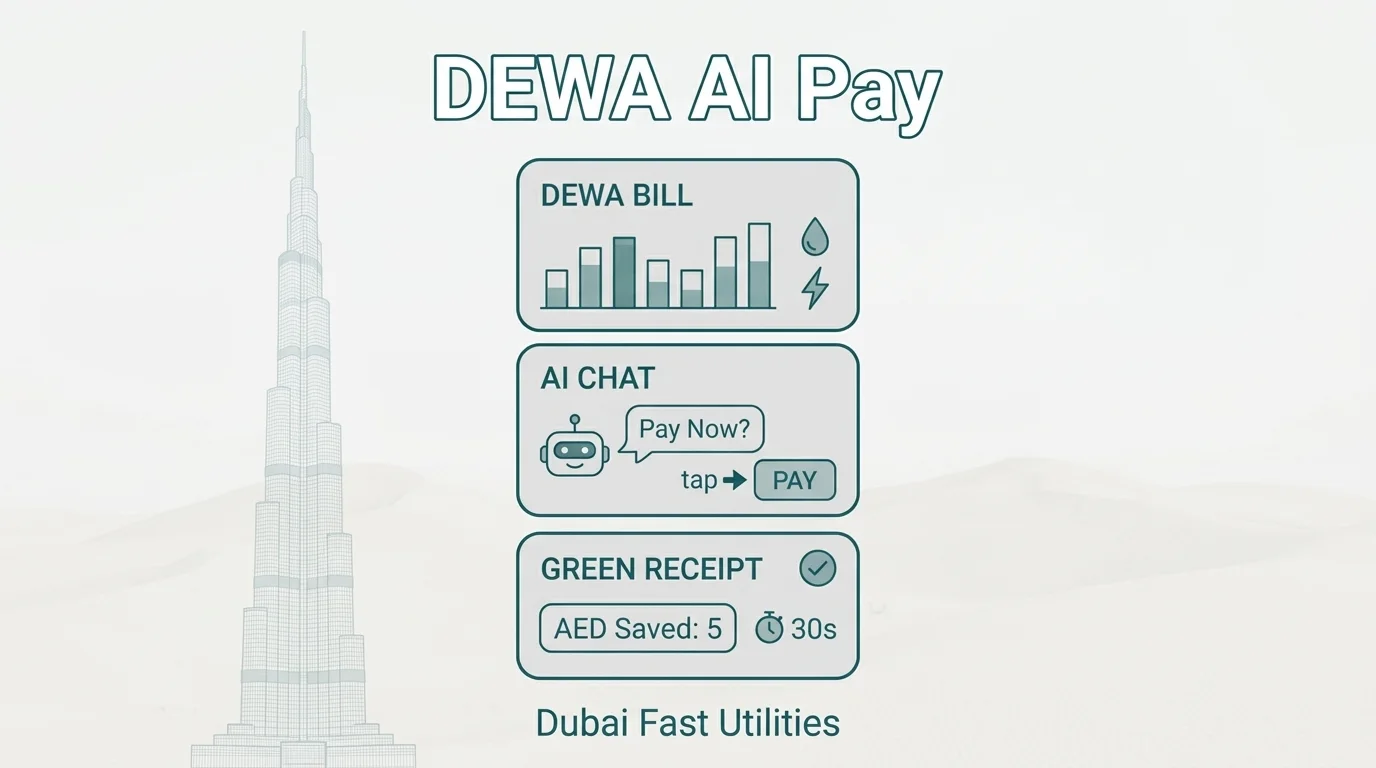
DEWA bill payment traditionally requires logging into a web portal, navigating account sections, verifying bill amounts, entering payment details, and confirming transactions manually each month. AI-driven payment eliminates this entire process. You state "pay my DEWA bill" in a chat message, and the transaction executes autonomously with confirmation delivered in the same thread.
Superchat.ai operates as an automated payment agent for DEWA and other Dubai utilities, processing electricity and water bills through conversational commands without requiring portal login, password management, or manual transaction verification each billing cycle.
The New Era of Smart Living: Pay My DEWA Bill via AI UAE
DEWA bills require a 10-digit premise number for every transaction. The portal forces re-authentication for each property if you manage multiple accounts. AI payment removes this friction by storing credentials once and processing bills through chat commands.
Moving Beyond Portals: Why Dubai Residents Are Switching to AI-Driven Payments
The DEWA app and web portal both require premise number entry before displaying your bill. For landlords with three apartments or villa owners with separate meter accounts, this means three separate logins per payment cycle.
AI payment agents store all premise numbers under one profile. You say "pay all DEWA bills" and the system processes each account sequentially without re-entering credentials. The confirmation shows each premise number, amount paid, and transaction reference in one thread.
Dubai residents managing multiple properties find this particularly valuable because DEWA doesn't offer consolidated multi-property billing. For context on using AI for time management in household tasks, utility automation ranks high because it's monthly, predictable, and purely transactional.
How to Access a DEWA Bill View and Account Details Using Conversational Prompts
Instead of logging into DEWA's portal and navigating to "View Bill," you ask your AI assistant "what's my DEWA bill this month." The response shows amount due, consumption in kWh, billing period dates, and due date.
For consumption tracking, the assistant can retrieve historical data without you downloading PDFs or using DEWA's consumption comparison tool. Ask "did my electricity use increase this month" and receive a direct comparison: "Your August consumption was 847 kWh vs 692 kWh in July, a 22% increase."
Comparing the DEWA ChatGPT Integration vs. Autonomous Payment Agents
DEWA integrated ChatGPT into their customer service channels in 2023. It answers questions like "what are your customer service hours" or "how do I report a water leak." It retrieves your account balance if you provide your premise number. It does not execute payments.
An autonomous payment agent completes the transaction. The functional difference: DEWA's ChatGPT tells you your bill is AED 427. A payment agent pays the AED 427 and confirms "DEWA bill paid, transaction ref 8472639."
Understanding how AI assistants work clarifies this distinction: information retrieval requires read-only API access; payment execution requires write access to payment systems.
2. Effortless Execution: DEWA Bill Payment Without Login
DEWA offers Quick Pay functionality that allows payment using premise number and last bill amount without full account login. AI payment agents extend this by storing those credentials and triggering Quick Pay automatically when bills are due.
The End of Manual Passwords: Using Biometric and AI-Verified "Quick Pay"
DEWA's Quick Pay requires your 10-digit premise number and the exact amount from your last bill as verification. This creates a catch-22: you need to know the bill amount before you can pay it, which typically means logging in anyway or checking your SMS notification.
AI payment agents solve this by monitoring your account for new bills. When DEWA issues a bill, the assistant retrieves the amount, stores it, and can execute Quick Pay without requiring you to enter anything. For payment confirmation, biometric authentication (Face ID, fingerprint) verifies the transaction on your device side.
UAE banking apps already use biometric approval for transactions. AI payment layers this onto utility bills: the assistant prepares the payment, you receive a biometric prompt on your phone, you authenticate with fingerprint or face, and the payment processes. Total interaction time: three seconds.
Pay My DEWA Bill via AI Online: How to Trigger a Payment With a Single Voice Note
Voice note payment means opening WhatsApp or your chat interface, recording "pay my DEWA bill," and receiving confirmation within seconds. The assistant parses the voice command, identifies which bill you're referring to (if you have multiple properties, it confirms which one or pays all), processes the transaction, and responds with the payment reference number.
This works because conversational chatbots convert voice to text, extract intent (payment request), identify the entity (DEWA), and trigger the connected payment function. For recurring monthly bills, voice activation is faster than opening an app and navigating menus.
Eliminating the Maze: Getting a DEWA Bill Payment Without Login or Registration
Traditional DEWA payment requires either full account login (username, password, sometimes OTP) or Quick Pay (premise number + last bill amount). Both require remembering credentials or retrieving information from previous bills.
AI payment eliminates both requirements for repeat users. After initial setup where you authorize the assistant to access your DEWA account, subsequent payments require no credential entry. The assistant maintains the connection, monitors for new bills, and processes payment when you confirm or according to your automation rules.
For personal AI agents in UAE managing household obligations, this zero-login model applies across all utility providers: DEWA, Salik, Etisalat, Du, and municipal services all require separate logins manually but consolidate into one assistant interface.
3. Managing Your Dubai Household via the Superchat AI App
AI payment consolidates DEWA, Salik, Etisalat, and Du bills into one chat interface. You manage all utility accounts without switching between separate apps or portals.
Pay My DEWA Bill via AI App: Integrating Utility Payments Into Your Daily Chat
WhatsApp or chat-based payment means your utility bills live in the same interface where you message your family. No separate app to download, no new login to remember, no switching contexts between communication and payments.
You receive "Your DEWA bill is AED 523, due March 18" as a chat message. Reply "pay it" and the transaction executes. The confirmation appears in the same thread with transaction reference and updated account balance.
Beyond Electricity: Handling Salik, Etisalat, and Du in One Unified Thread
Salik top-ups trigger automatically when your balance drops below AED 50. Etisalat and Du mobile bills pay on due dates without login. All confirmations appear in one chat history instead of scattered across email, SMS, and separate app notifications.
For residents managing household finances, this unified view clarifies monthly utility spend instantly. Ask "what did I spend on utilities this month" and receive total across all providers without opening bank statements. An AI financial agent in UAE context applies this same consolidated tracking to all expense categories.
Proactive Alerts: How Your AI Assistant Predicts Your Bill and Requests Approval to Pay
Predictive alerts analyze your consumption patterns and warn about unusual charges before payment. If your DEWA bill jumps from AED 400 to AED 850, the assistant flags this: "Your bill is 112% higher than average. Possible meter issue or AC malfunction. Approve payment or request investigation?"
This catches billing errors and equipment failures early. Automatic payment without oversight could process incorrect charges for months before you notice.
4. Security and Sovereignty: Protecting Your Financial Data in the UAE
DEWA payment data includes your premise number, consumption patterns, payment history, and linked bank account details. Where this data is stored determines who can access it and under what legal framework.
Sovereign Data Residency: Why Your Payment History Stays on Encrypted Local Servers
UAE-based AI payment systems store your DEWA credentials, transaction history, and consumption data on servers physically located in the UAE, subject to UAE Personal Data Protection Law (PDPL). Foreign payment platforms store this data on global infrastructure across multiple jurisdictions.
This matters for subpoena requests, data breach notifications, and regulatory oversight. UAE-stored data requires UAE court orders for access. Foreign-stored data may be accessible under foreign surveillance laws without your notification.
Zero-Data Sharing: Protecting Your Account Details From Global Training Models
Ad-funded AI platforms use your transaction data to train recommendation models and behavioral prediction systems. Your DEWA payment timing, amounts, and consumption patterns feed these datasets even when "anonymized."
Zero-data sharing means your utility payment information is used exclusively to process your transactions, with no third-party analytics, no training data extraction, and no behavioral profiling. The assistant operates on a direct service model, eliminating the incentive to monetize your data.
Encrypted Transactions: How Superchat Secures Your DEWA Bill Payment via AI Dubai
Payment encryption operates at two layers. First, your DEWA credentials are tokenized the assistant never stores your actual password, only an encrypted access token issued by DEWA's authentication system. Second, transaction data transmits through TLS 1.3 encryption between your device, the assistant's servers, and DEWA's payment gateway.
This means even if network traffic is intercepted, the payment details remain encrypted end-to-end. UAE banking standards require this encryption level for all financial transactions, and AI payment systems extend the same security to utility bills.
For context on best AI call assistant security frameworks, the same encrypted authentication and zero-storage principles apply across all automated service interactions.
5. Quick Setup: Implementing Your AI DEWA Bill Payment App
Setup determines adoption. If connecting your DEWA account takes longer than paying one bill manually, you won't use it. Sixty-second onboarding means the assistant becomes functional immediately.
Onboarding Your Account in Sixty Seconds: From Inquiry to "Paid" Status
Initial setup requires three inputs: your DEWA premise number (found on any bill or the DEWA app), authorization to access your account via secure token, and your preferred payment method (UAE bank card or account).
The assistant tests the connection by retrieving your current bill. If successful, you see "Current DEWA bill: AED 427, due March 18. Approve automatic payment?" Reply "yes" and the system pays immediately, delivering transaction reference in the chat.
Total time from first message to confirmed payment: under sixty seconds if you have your premise number ready.
How to Use "Quick Pay DEWA" Features for Instant, Multi-Account Management
Multi-property owners add each premise number once. The assistant tracks all accounts separately, showing "Marina apartment: AED 315, JLT villa: AED 628, Downtown office: AED 892" when bills arrive.
Payment options include: pay all accounts automatically on due date, request approval before each payment, or set threshold rules (auto-pay below AED 500, request approval above). For landlords with tenant-paid utilities, the assistant can send payment requests to tenants directly through the same chat interface.
This consolidated management eliminates the DEWA portal's limitation of single-account-per-login. All properties appear in one view with unified payment controls.


