You already have too many tools open.
There’s a meeting recorder in one tab, a chatbot in another, your calendar app is arguing with your task list, and your finance reminders are buried somewhere in email. That’s the core problem with most “best ai productivity apps” roundups. They describe features in isolation, but work doesn’t happen in isolation. It happens across inboxes, meetings, calendars, docs, payments, CRM records, and whatever messaging app your team prefers this week.
The better question is simple. Where does each app sit in your workflow, and what does it replace?
Some tools are best when they disappear inside software you already use, like Microsoft 365 or Google Workspace. Some are best as specialists, like meeting transcription or calendar replanning. And a few aim to become the operating layer that connects everything so you stop doing copy-paste admin all day.
That distinction matters. If your team already lives in one ecosystem, adding a tightly embedded assistant is often smarter than buying three separate tools. If your workflow is fragmented across many apps, the right choice is usually the one that can move data and trigger actions across systems, not just generate text.
Below are the tools I’d shortlist for professionals who care about execution, not novelty.
Table of Contents
1. Superchat
Why Superchat stands out
Where it fits best
2. Microsoft Copilot for Microsoft 365
Best for Microsoft native workflows
3. Google Workspace with Gemini
Best for Google first teams
4. Zoom AI Companion
Best when meetings are the bottleneck
5. Notion with Notion AI
Best for turning scattered knowledge into one workspace
6. ClickUp with ClickUp AI Brain
Best for operations heavy teams
7. Reclaim.ai
Best for calendar led productivity
8. Motion
Best for individuals who want a calendar that thinks for them
9. Zapier with AI
Best for connecting everything
10. Otter.ai
Best for searchable meeting memory
Top 10 AI Productivity Apps Comparison
Final Thoughts
1. Superchat
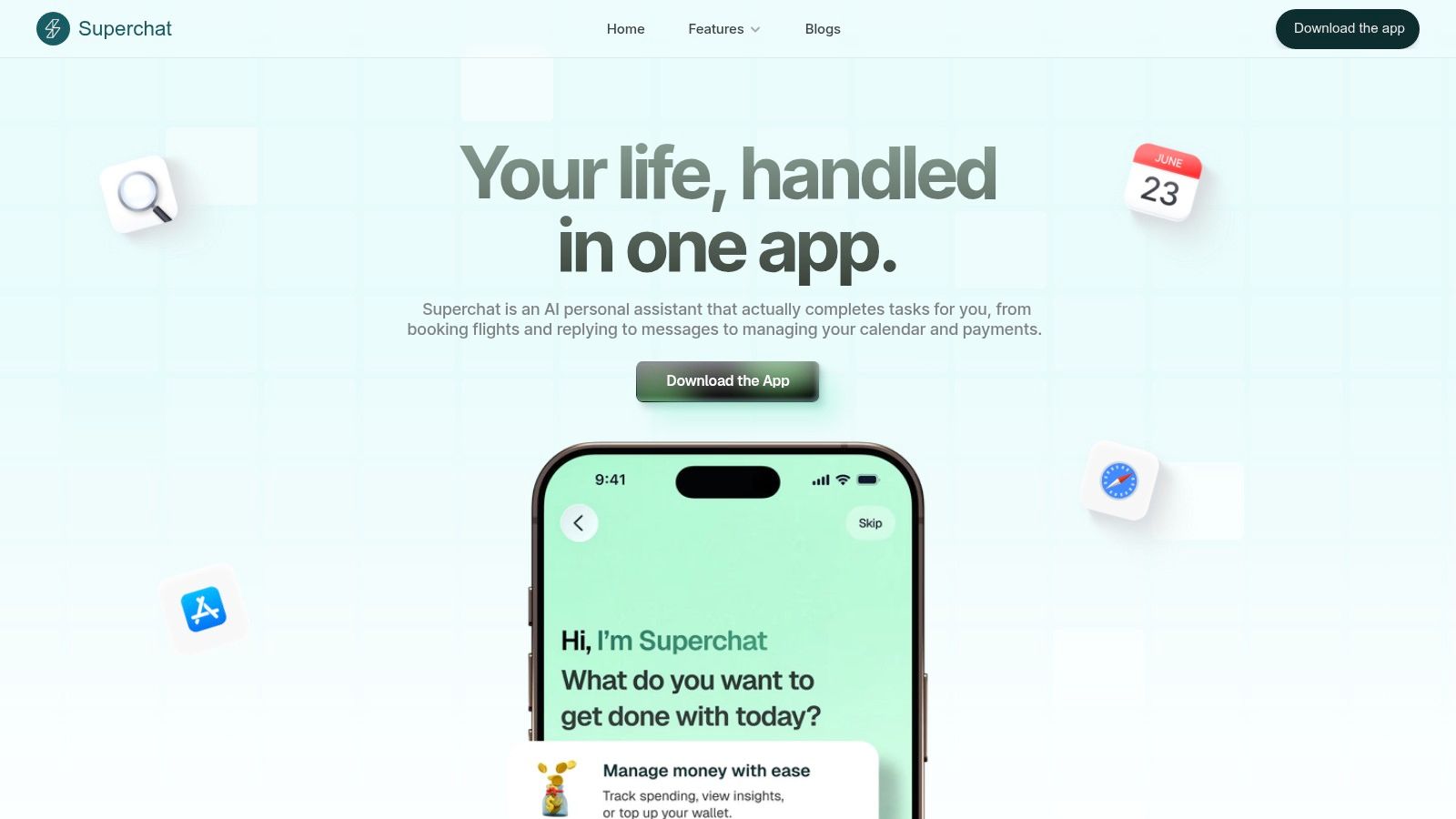
A familiar productivity problem looks like this. The task starts in your calendar, shifts to messages, turns into a booking, ends with a payment, and still leaves follow-up work sitting in your inbox. Superchat is built for that kind of fragmented workflow.
It stands out because it is less about generating text and more about carrying a task across connected systems inside one chat thread. That changes where it fits in a stack. If your current bottleneck is coordination across personal admin, scheduling, travel, and payments, Superchat can replace several narrow tools. If your bottleneck is document drafting inside Office, Microsoft Copilot is usually the better fit.
Why Superchat stands out
Superchat brings calendar, communication, travel, and money management into one assistant-first interface. In practice, that means fewer handoffs between apps. You can stay in one conversation, give instructions in plain language, and keep momentum on the task instead of managing the software around it.
That workflow design is a primary differentiator. A lot of AI products are helpful at the suggestion layer. Superchat pushes further into execution by combining scheduling tools with an AI Money Assistant, Wallet, and Payments. For busy operators, that matters because routine admin rarely fails from lack of ideas. It fails from context switching.
Privacy is a central principle here, which matters because this product asks for access that goes beyond notes or email drafts. Once a tool touches calendars, messages, and financial activity, security is part of the product, not a side consideration.
Practical rule: The more systems an AI assistant can act across, the higher the bar should be for privacy, permissions, and account controls.
Where it fits best
Superchat fits best for founders, executives, frequent travelers, and independent professionals who want one assistant to sit across both work and personal logistics. It is a better choice for consolidation than specialization. That is the key trade-off.
The upside is obvious. Fewer apps, fewer broken handoffs, and a stronger chance that small tasks get finished. The limitation is just as real. You need to be comfortable connecting sensitive accounts, and pricing is not clearly laid out in public, so buyers may need to verify current access and plan details directly.
For a deeper look at the execution-first model, Superchat’s guide on how an AI personal assistant boosts productivity is a useful companion read.
2. Microsoft Copilot for Microsoft 365
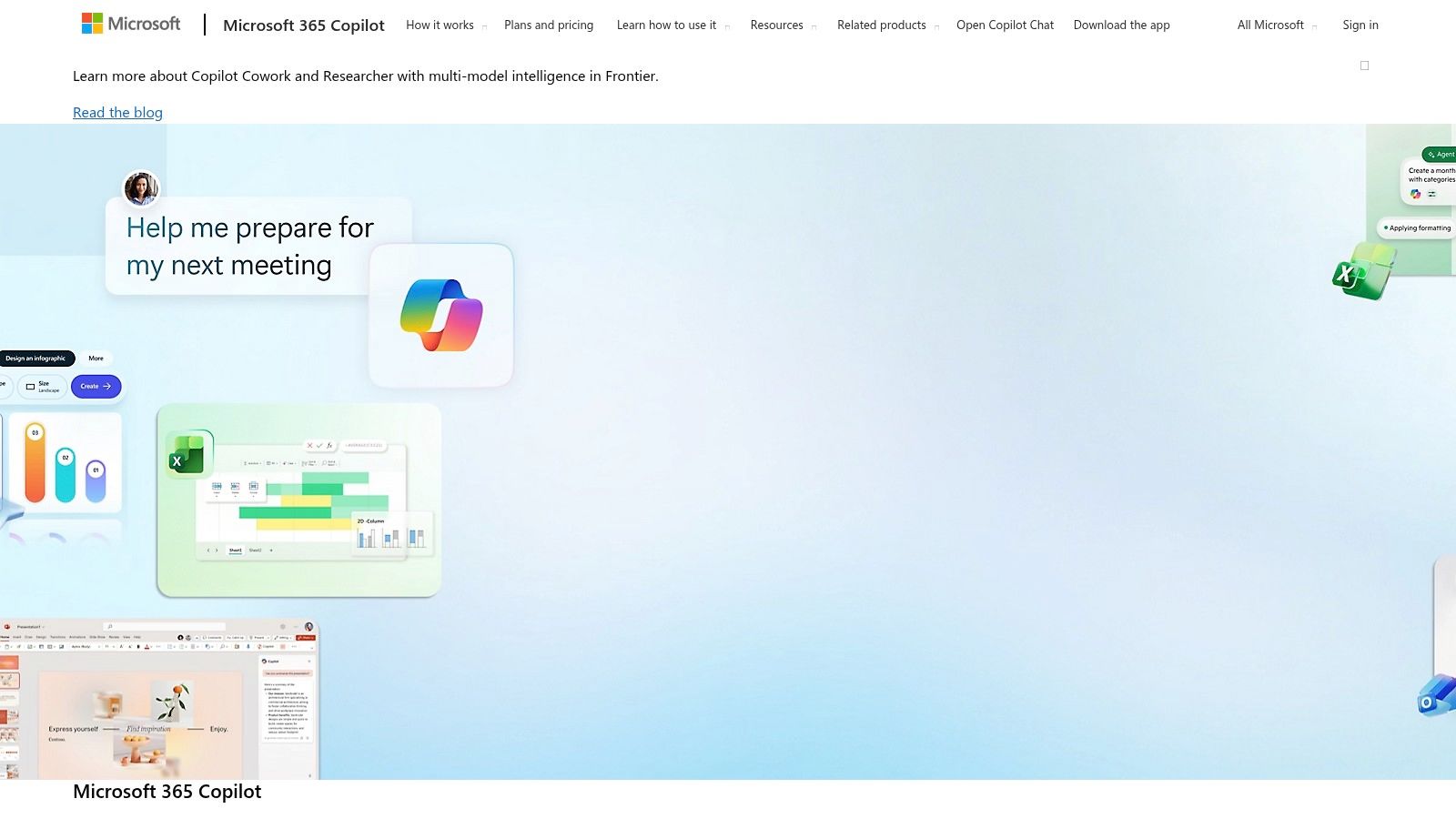
If your company already runs on Outlook, Teams, Word, Excel, and PowerPoint, Microsoft Copilot for Microsoft 365 is usually the lowest-friction way to add AI.
The appeal isn’t novelty. It’s location. Copilot sits where teams already work, so adoption doesn’t depend on asking everyone to learn a new standalone tool.
Best for Microsoft native workflows
This is strongest in organizations that need AI embedded directly in office work. Drafting in Word, summarizing threads in Outlook, pulling meaning from spreadsheets in Excel, and turning rough content into decks in PowerPoint all happen in the same environment where the files already live.
That embedded workflow is a significant advantage. In practice, Microsoft-centric teams often don’t need another AI tab. They need help inside the tab they’re already in.
The trade-off is licensing complexity. Copilot access inside the apps isn’t the same thing as having chat access alone, and Microsoft packaging has shifted enough that procurement teams should verify what’s included before rollout.
Security and governance are a big part of the value here. For larger organizations, identity controls and compliance options will matter as much as the assistant features.
If you want a broad directory overview, this listing for Microsoft Copilot gives a quick product snapshot.
3. Google Workspace with Gemini
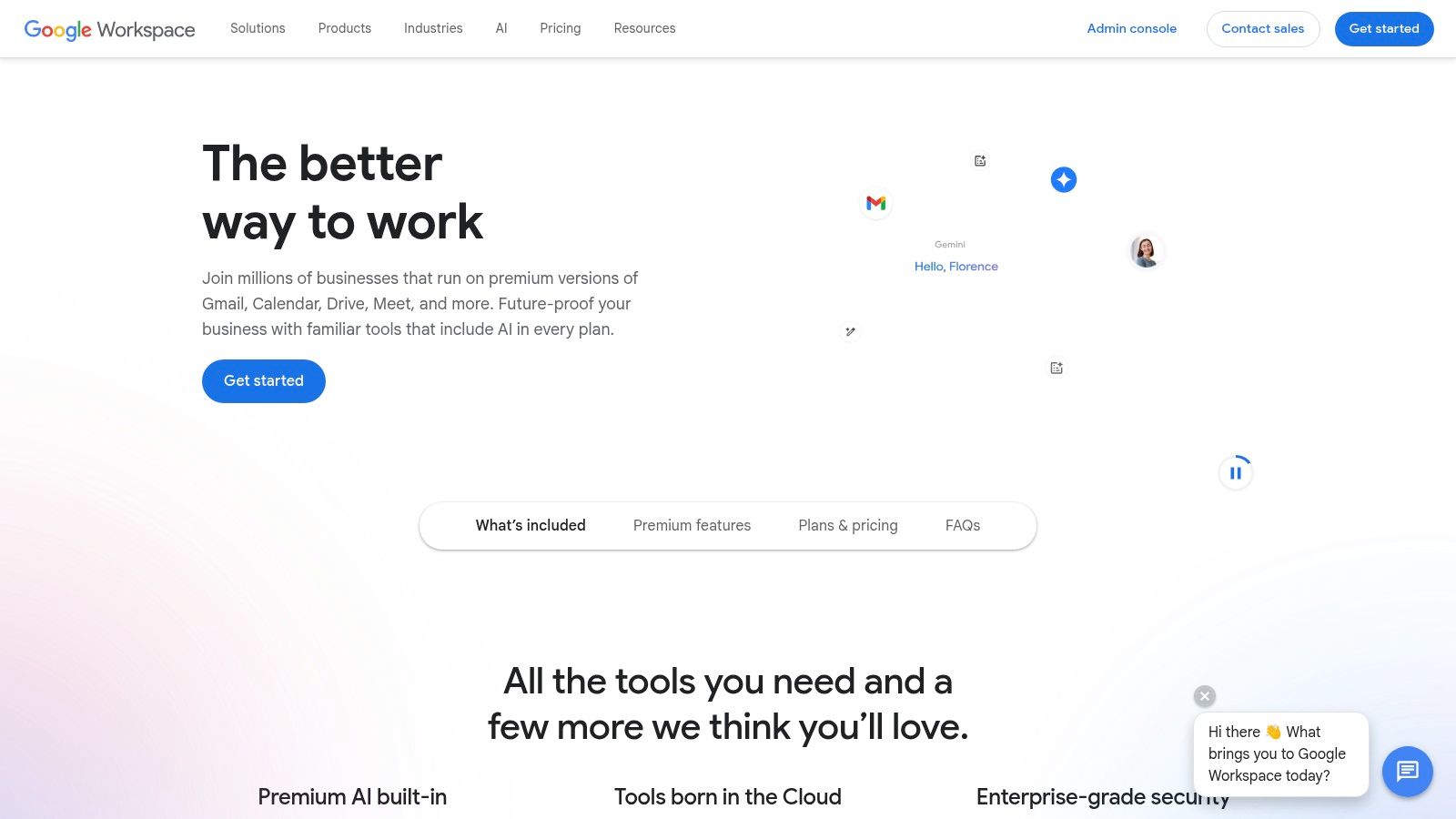
For Google-first teams, Google Workspace with Gemini is the equivalent answer to Microsoft’s strategy. Keep AI inside the existing workflow rather than layering a separate assistant on top.
Best for Google first teams
Gemini works best when Gmail, Docs, Sheets, Slides, Meet, and Drive are already the operating system for the business. In that setup, AI drafting, meeting support, and spreadsheet assistance feel additive rather than disruptive.
The biggest advantage is that the AI sits close to your files, meetings, and communication history. For many teams, that’s more useful than a standalone general-purpose chatbot because it reduces the “copy this over there” problem.
Google’s broader AI footprint also matters. Gemini is integrated into Google Workspace, and in the verified data it’s noted for Sheets visualization capabilities. That’s a good reminder of where it tends to shine in daily use. It’s often less about flashy output and more about speeding up familiar admin and analysis inside existing documents.
What doesn’t work as well is assuming every plan gets every feature at the same time. Availability can vary by organization type and plan. That’s not unusual in enterprise software, but it’s worth checking before you promise a workflow around a capability that hasn’t landed in your account yet.
4. Zoom AI Companion
Zoom AI Companion is one of the easiest tools to adopt because for many paid Zoom users, it’s already there.
That matters. A lot of AI rollouts fail because the software is good but the activation energy is too high. Zoom avoids some of that by embedding assistance into a meeting product teams already open all day.
Best when meetings are the bottleneck
If recurring meetings are swallowing your team’s time, Zoom AI Companion can reduce the administrative drag. Summaries, next steps, catch-up features, and writing help inside the Zoom environment solve a very specific problem. They help people leave meetings with usable output instead of a vague memory and a half-written notes doc.
I like Zoom AI Companion most for organizations that don’t want to buy a separate specialist tool for every meeting function. It’s the practical choice when you need “good enough and already included.”
The limitations are predictable. Advanced agent features and third-party extensions may involve extra cost, and plan eligibility should always be checked account by account.
For teams comparing built-in meeting help versus dedicated transcription products, this complete guide to Zoom AI transcription is a useful reference point.
If meetings are only one piece of your broader productivity challenge, the next layer is how those summaries connect to action. Superchat’s article on the AI meeting assistant is relevant because it focuses on turning meeting output into follow-up work, not just better notes.
Meeting AI is only half useful if the notes stay trapped in the meeting app.
5. Notion with Notion AI
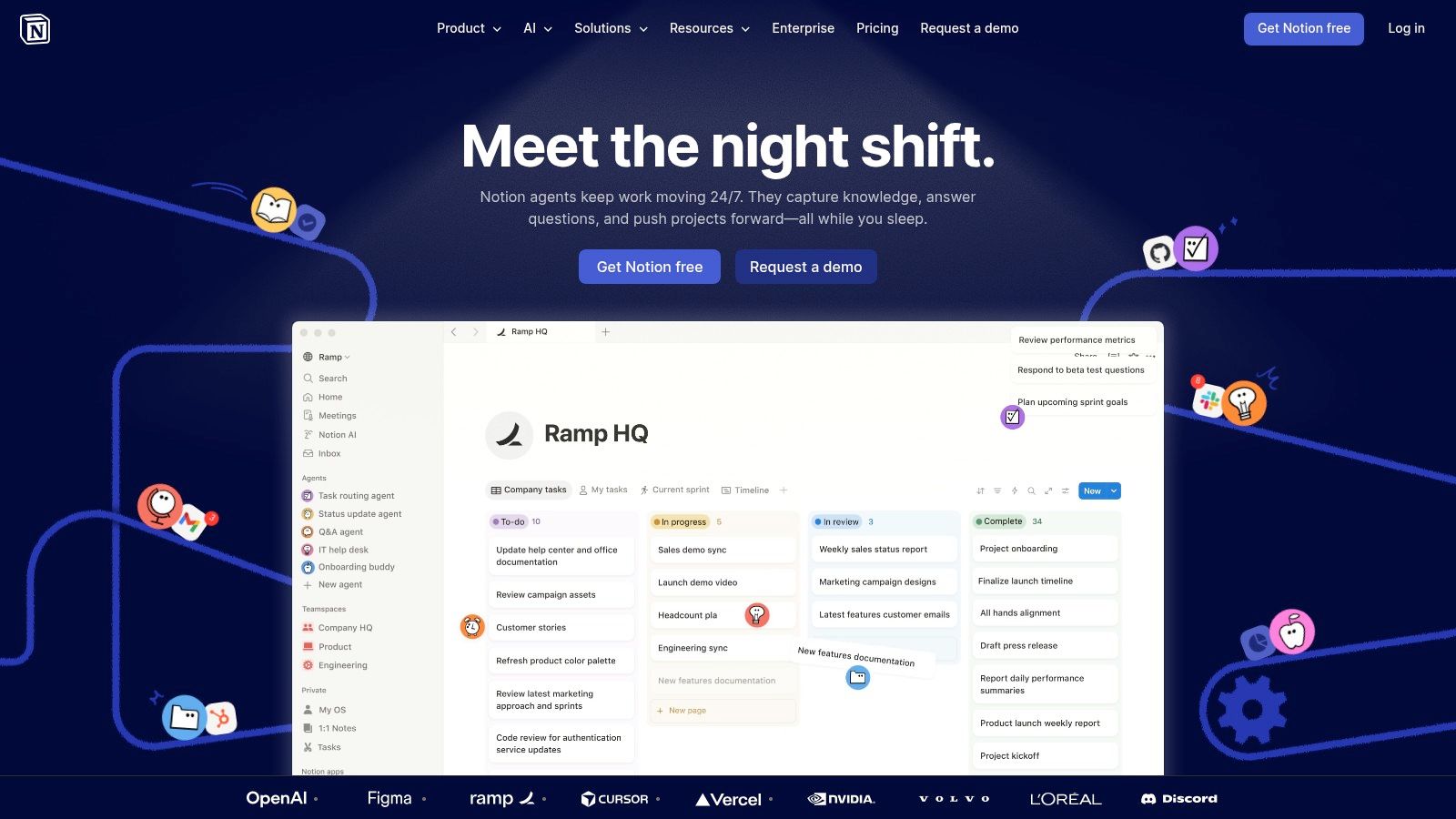
Notion is less of an assistant and more of a workspace with AI woven into it. That distinction matters.
If your team’s problem is scattered knowledge across docs, notes, project briefs, and ad hoc databases, Notion with AI can work well because it centralizes the raw material first and adds assistance second.
Best for turning scattered knowledge into one workspace
Here, Notion earns its place on a best AI productivity apps list. It doesn’t just help write. It helps make information usable.
You can summarize pages, clean up rough notes, query internal knowledge, and keep documentation easier to maintain without jumping into a separate tool. For startup teams and cross-functional operators, that’s often enough to replace a surprising number of smaller tools.
The most telling enterprise signal in the verified data is that Notion’s paid AI attach rate rose significantly in one year, contributing substantially to its ARR. That doesn’t prove it’s right for every team, but it does show AI has become central to how customers value the product, not a decorative extra.
What doesn’t work as well is trying to force Notion into use cases where structured execution matters more than knowledge organization. It can stretch into project management, but teams with heavier operational complexity may still prefer a more task-native platform.
6. ClickUp with ClickUp AI Brain
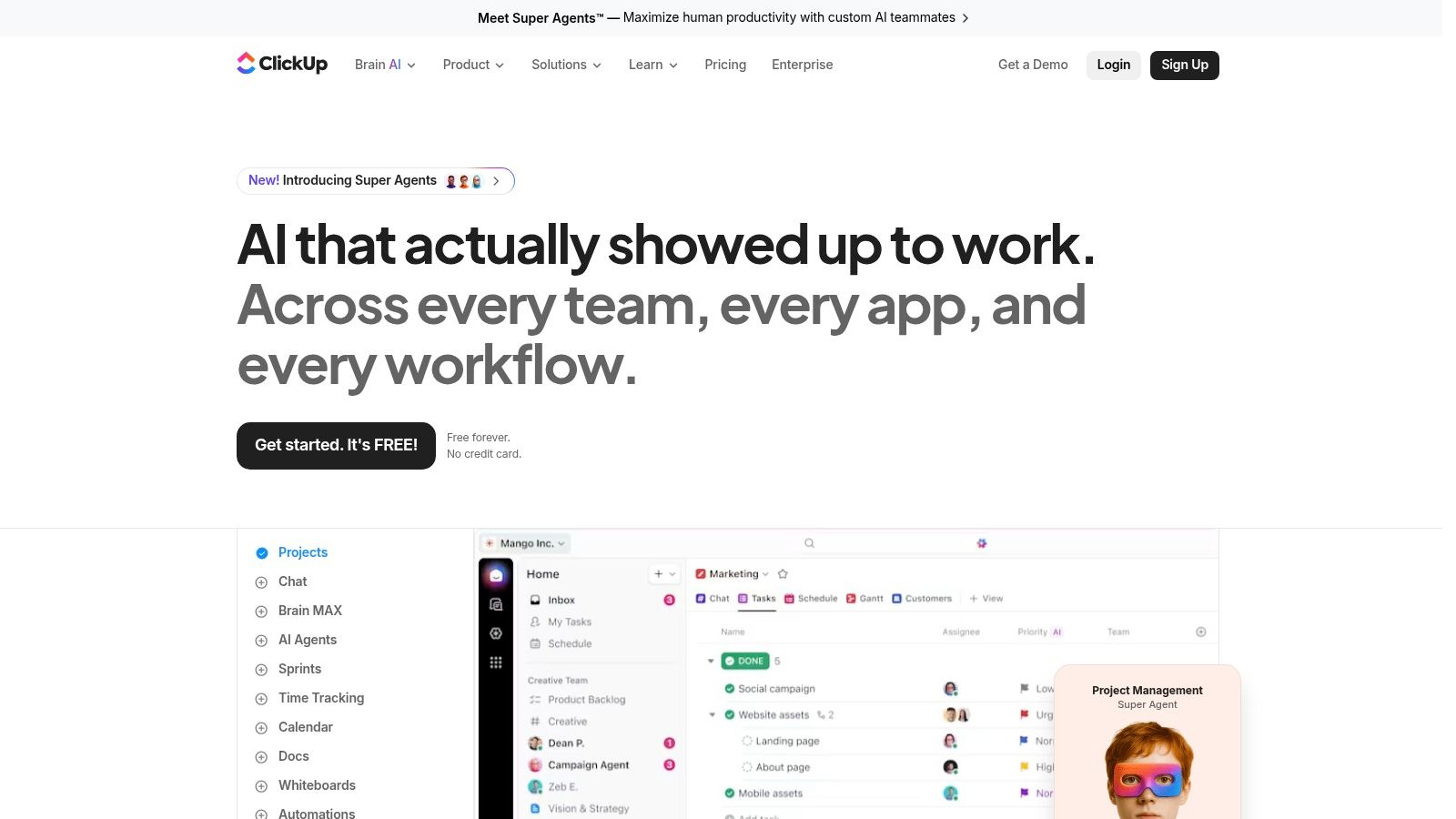
ClickUp is for teams that don’t just need notes and summaries. They need operational structure.
This is the app I’d look at when the work involves projects, dependencies, dashboards, handoffs, recurring processes, and leadership reporting. In that environment, AI is most useful when it accelerates execution inside the work management system itself.
Best for operations heavy teams
ClickUp Brain helps with task briefs, updates, summaries, and finding answers inside the workspace. That’s useful, but the primary value comes from the surrounding system. Tasks, docs, goals, and dashboards already live together, which gives the AI somewhere meaningful to operate.
For PMOs and operations teams, that’s a strong fit.
A simple way to think about the trade-off:
Choose ClickUp when: You need one platform for execution, reporting, and cross-functional coordination.
Skip ClickUp when: You want lightweight personal productivity and don’t need heavy configuration.
Verify before rollout: AI limits, guest rules, and plan packaging can get complicated fast.
ClickUp is powerful, but it can also become bloated if nobody owns the structure. The teams that get the most from it usually have strong process discipline already.
7. Reclaim.ai
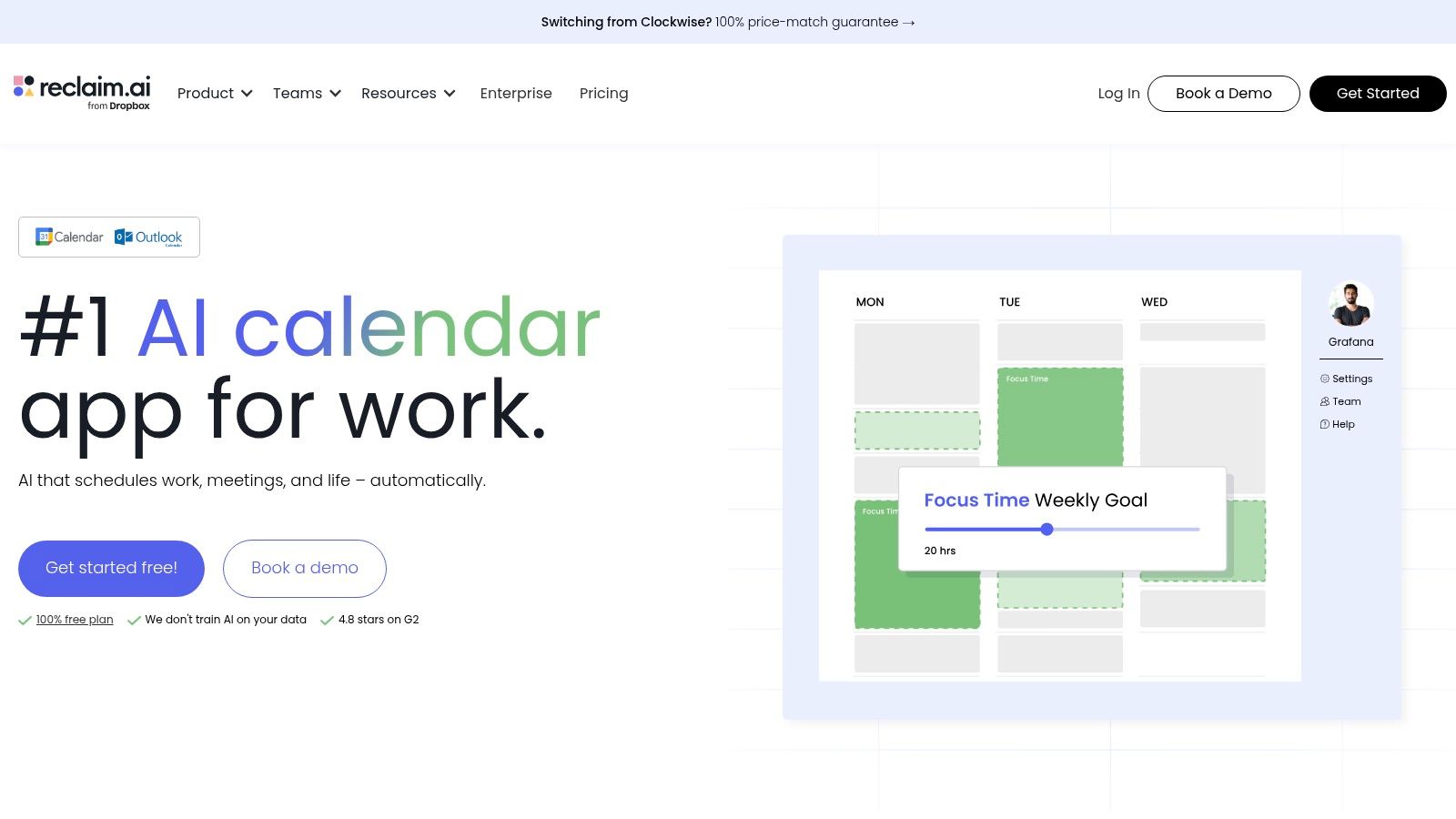
Reclaim.ai solves a narrower problem than some of the other apps here, but it solves it well. It makes your calendar behave more like a priorities engine.
Best for calendar led productivity
If your week keeps getting hijacked by meetings, Reclaim is one of the clearest specialist tools in the category. It automatically blocks time for tasks, routines, and focus work, then adapts as plans change.
That sounds simple, but it’s one of the few productivity promises that shows up in daily behavior quickly. You stop manually dragging things around your calendar.
I recommend Reclaim most often to leaders and knowledge workers who already trust their calendar as the source of truth. If you don’t live by the calendar, the app won’t feel game-changing. If you do, it can remove a lot of low-value scheduling work.
Its team scheduling features are also useful because they account for shifting priorities instead of treating calendars like static grids.
The limitation is cultural as much as technical. Reclaim works best when people consistently track tasks and priorities. Without that, the automation doesn’t have much to optimize.
For a broader view of the habits behind this kind of setup, Superchat’s article on AI for time management is worth reading.
8. Motion
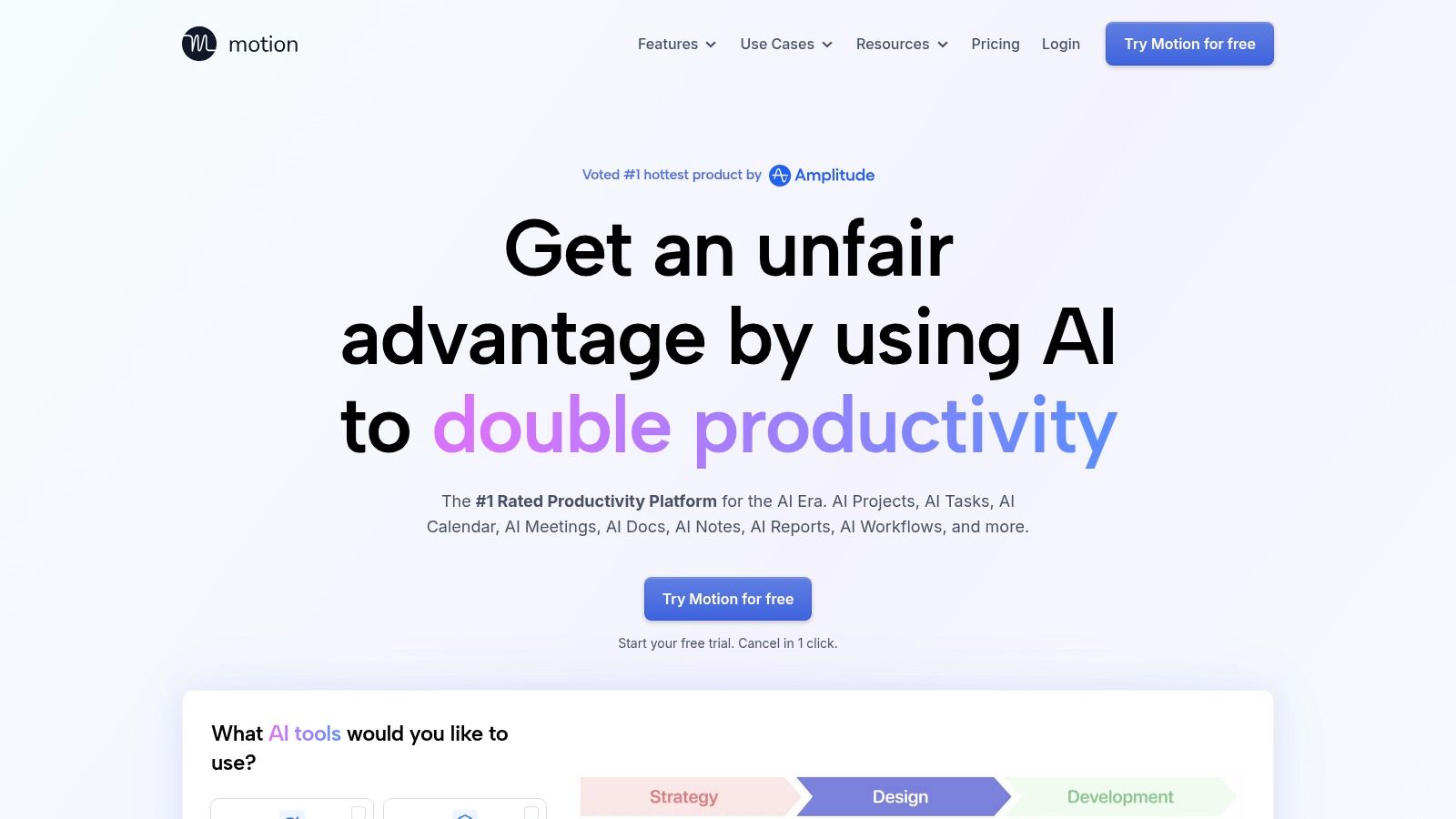
Motion is often compared to calendar tools, but in practice it sits somewhere between scheduling assistant and lightweight work planner.
Best for individuals who want a calendar that thinks for them
Motion is strongest for founders, executives, and overloaded individual contributors who don’t want to manually decide when every task should happen. It auto-schedules tasks into available time, replans the day when meetings move, and helps manage the constant collision between deadlines and reality.
That’s the main reason people stick with it. It reduces calendar Tetris.
The verified data also highlights a useful trade-off. In head-to-head 2026 evaluations, Motion is described as smart for scheduling but not the best fit for projects. That lines up with how I’d frame it. Motion is very good at managing time. It’s not the tool I’d choose to run a complex multi-team program.
Use Motion when the problem is personal workload orchestration. Don’t use it as a substitute for serious project operations.
Pricing and packaging can change, so it’s worth checking the app directly before committing.
9. Zapier with AI
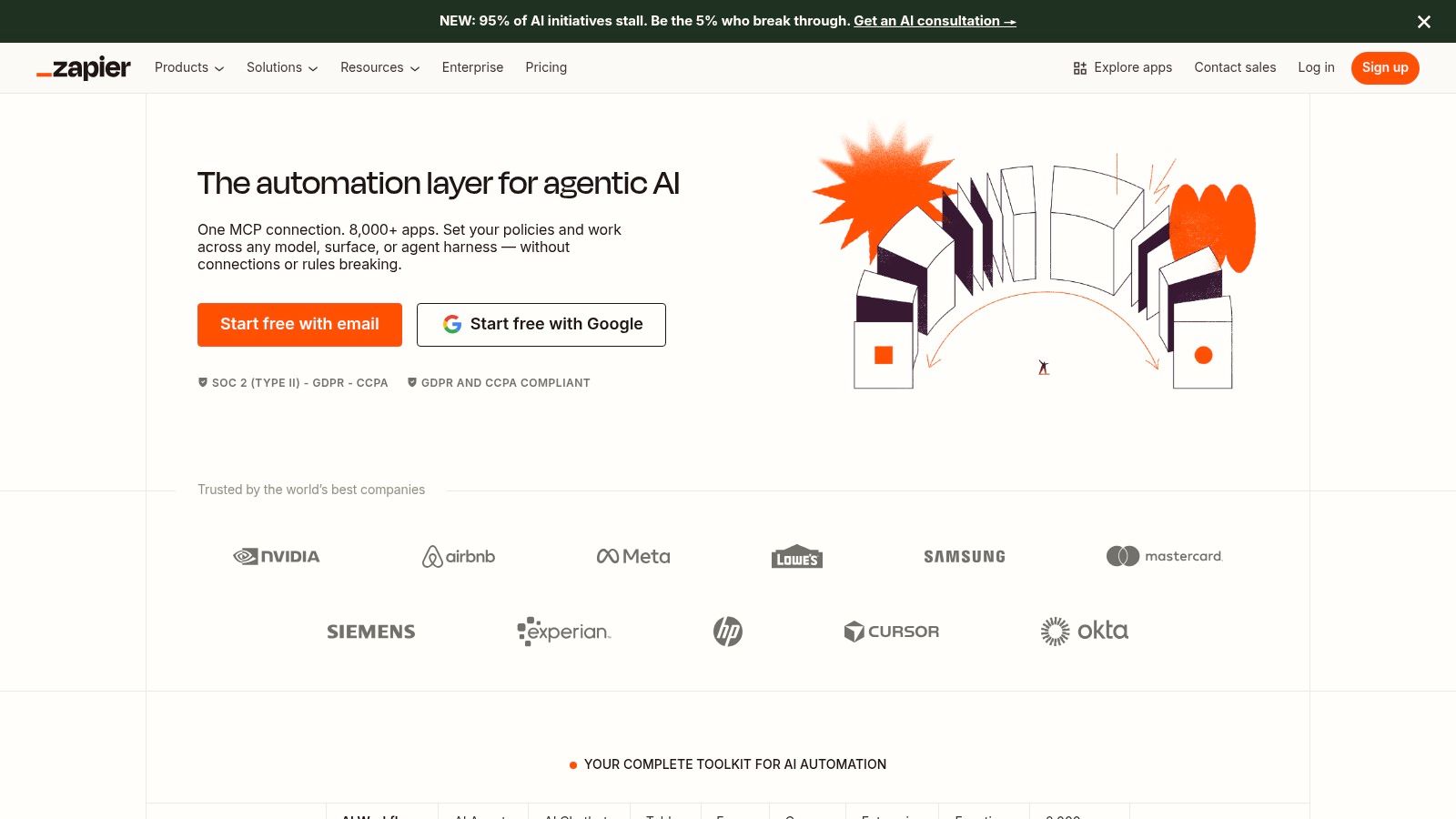
Zapier is the connective tissue pick on this list. If your work happens across a messy stack of apps, this is often the product that makes the rest of your tools feel coherent.
Best for connecting everything
Zapier connects over 8,000 apps, according to its own roundup of AI productivity tools, and that scale is the reason it remains so important in real workflows. It’s not just another AI surface. It’s the system that lets AI outputs trigger actions across other systems.
That can be practical in very ordinary ways. Zapier points to workflows where Perplexity captures industry news, generates executive summaries with key takeaways and suggested actions, and sends them into Slack. That kind of orchestration is what many teams need. Not one more assistant. A way to move information from one place to another without human glue.
The app ecosystem breadth also matters because modern work is fragmented. Chatbots, task managers, content tools, schedulers, and knowledge systems often don’t share context well. Zapier’s value is in making those boundaries less painful.
Its newer AI positioning goes further with autonomous agents that can handle multi-step work like drafting emails, preparing reports, and analyzing data without code. For operators and consultants, that’s where the tool becomes more than simple automation.
What doesn’t work is buying Zapier without modeling usage. Costs can rise with task volume and AI-heavy workflows, and complex automations need maintenance. Still, if your biggest productivity problem is app fragmentation, Zapier is one of the strongest answers available.
10. Otter.ai
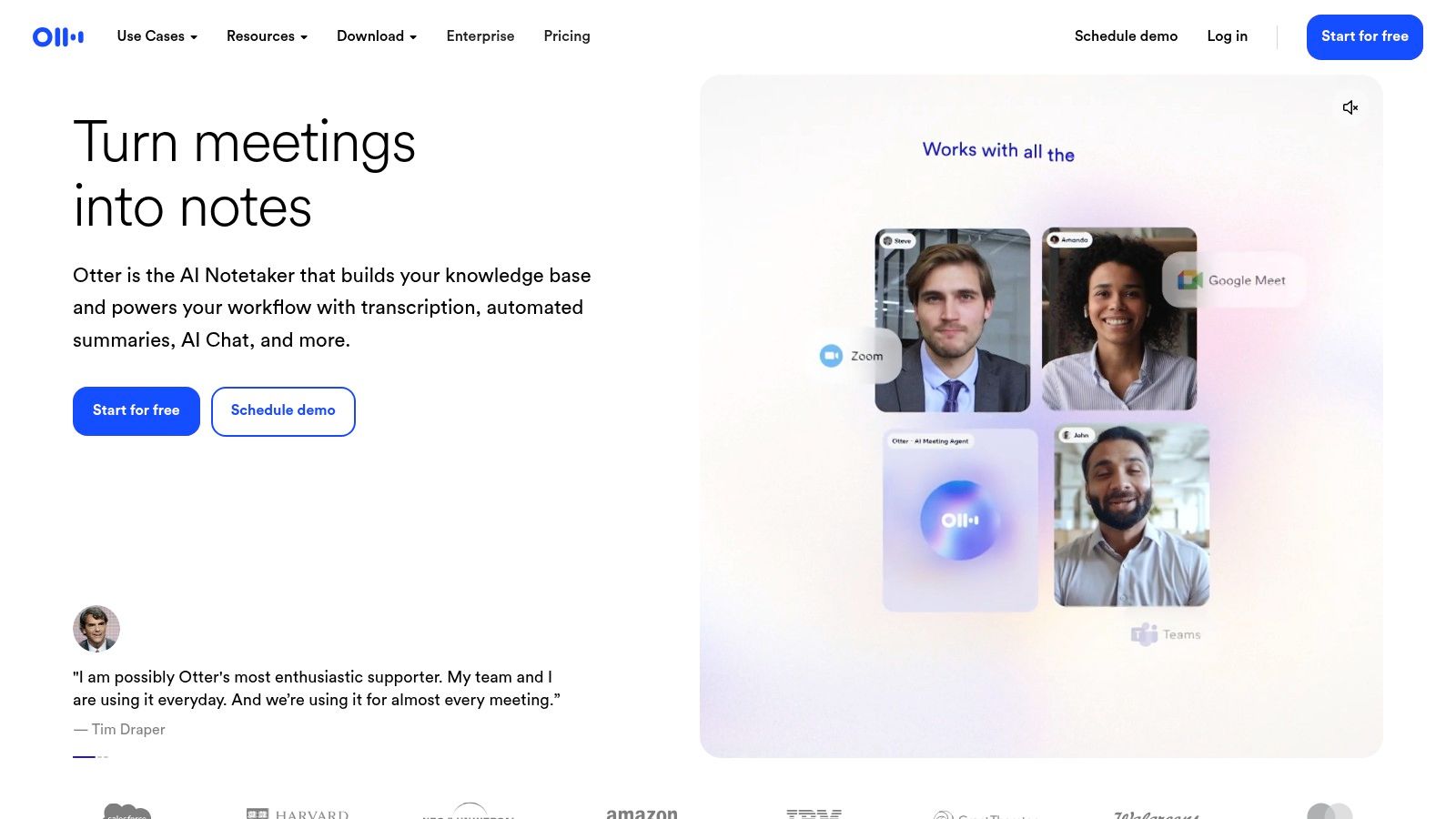
Otter.ai remains one of the most practical specialist apps in this category because meeting memory is still a real problem.
Best for searchable meeting memory
Otter works well for sales calls, interviews, internal reviews, and product conversations where the value isn’t just the summary. It’s the searchable transcript that lets people go back and verify what was said.
That’s an important difference between Otter and broader all-in-one assistants. Otter is not trying to run your day. It’s trying to preserve conversations in a usable format.
Its live transcription, automated summaries, speaker labeling, and integrations with tools like Zoom and Google Meet make it a clean fit for teams that need dependable notes without changing the rest of their workflow.
There’s also a broader market context behind why tools like this keep growing. In 2024, virtual assistants held a 25.4% revenue share of the AI productivity tools market, with NLP accounting for 30.7% of the technology share, according to Market.us research on the AI productivity tools market. That doesn’t tell you whether Otter is better than another notetaker, but it does show how central language-driven assistants have become in day-to-day productivity software.
Otter’s trade-offs are straightforward. Heavy usage and advanced collaboration often push teams into higher tiers, and minute limits depend on the plan.
Top 10 AI Productivity Apps Comparison
Product | Core capability | UX / Quality | Value / Price | 👥 Target audience | ✨ Unique selling point |
|---|---|---|---|---|---|
Superchat 🏆 | Agentic AI assistant that completes bookings, payments, scheduling inside one private chat | ★★★★★ | 💰 Free trial; subscription (contact), replaces multiple apps | 👥 Founders, execs, frequent travelers, busy professionals | ✨ Completes actions across apps; Wallet & AI Money Assistant; privacy-first (encrypted, not sold) |
Microsoft Copilot for Microsoft 365 | AI embedded in Word/Excel/Outlook/Teams for drafting, analysis & context-aware help | ★★★★★ | 💰 Enterprise licensing; per-user Copilot fees vary | 👥 Microsoft 365 enterprises & teams | ✨ Deep native integration + enterprise-grade security/governance |
Google Workspace with Gemini | Gemini AI across Gmail/Docs/Sheets/Meet for drafting, summaries & real-time assist | ★★★★☆ | 💰 Included on some plans; feature rollout by plan | 👥 Google-first organizations | ✨ Native Workspace AI + Gemini Live (real-time/voice) |
Zoom AI Companion | Meeting-centric AI: live summaries, action items & catch-up features | ★★★★☆ | 💰 Included on many paid Zoom plans; advanced agents may cost extra | 👥 Meeting-heavy teams & remote collaborators | ✨ No-extra-fee on many plans; strong meeting capture & catch-up |
Notion (with Notion AI) | All-in-one docs/wiki with AI for summarizing, drafting & DB automation | ★★★★☆ | 💰 Freemium; AI features vary by plan (paid tiers for business) | 👥 Teams centralizing knowledge, projects & notes | ✨ Versatile workspace + templates and database automation |
ClickUp with ClickUp AI/Brain | Project & work management with AI for tasks, summaries & standups | ★★★★☆ | 💰 Tiered pricing; AI add-ons or credits for heavy use | 👥 PMOs, ops teams, cross-functional programs | ✨ Highly customizable workflows and leadership reporting |
Reclaim.ai | AI time-blocking that auto-schedules tasks, habits & smart meetings | ★★★★☆ | 💰 Freemium with paid tiers for advanced features | 👥 Leaders, knowledge workers needing focus time | ✨ Priority-based auto time-blocking and team scheduling |
Motion | Auto-replans day; schedules tasks into free slots with capacity-aware planning | ★★★★☆ | 💰 Tiered plans; verify in-app pricing | 👥 Founders, executives, busy individuals | ✨ Continuous day replanning + one-click meeting booking |
Zapier with AI | Automation platform that ties AI steps to 8,000+ apps and workflows | ★★★★★ | 💰 Costs scale with task volume & AI usage | 👥 Ops teams, integrators, automation-first orgs | ✨ AI that triggers real work across thousands of apps |
Otter.ai | Live transcription, searchable meeting notes and automated summaries | ★★★★☆ | 💰 Freemium; minute caps on free tier, business plans for heavy use | 👥 Sales, product, research & operations teams | ✨ Accurate live transcription with speaker labeling & exports |
Final Thoughts
The easiest mistake when choosing the best ai productivity apps is buying by category label instead of workflow fit.
“AI assistant” sounds helpful. “Meeting AI” sounds useful. “AI for docs” sounds productive. But the better lens is this: where does the tool live, what work does it remove, and what extra coordination cost does it create?
If you’re committed to one ecosystem, stay native first. Microsoft Copilot for Microsoft 365 and Google Workspace with Gemini make the most sense when your team already lives in those suites. You’ll usually get better adoption from AI embedded in familiar tools than from another standalone app competing for attention.
If meetings are your bottleneck, Zoom AI Companion and Otter.ai are practical choices. Zoom is the low-friction option when you want built-in support. Otter is stronger when searchable transcript history matters more than broad workflow coverage.
If scheduling is your pain point, split the choice carefully. Reclaim.ai is better when your goal is protecting focus time and aligning priorities across the calendar. Motion is better when you want the app to actively replan your day around deadlines and meetings. They sound similar from the outside, but they solve slightly different versions of time chaos.
For team execution, Notion and ClickUp diverge in useful ways. Notion is better for knowledge, documentation, and keeping information coherent. ClickUp is better for operational control, program structure, and running work at scale.
Then there’s the bigger decision. Do you want a specialized stack or an all-in-one layer?
Specialized tools are often better at their one job. Otter is better at meeting memory than most general-purpose assistants. Reclaim is better at calendar protection than broader work apps. But every specialist adds another login, another notification stream, another place where context can get trapped. That’s why all-in-one or orchestration-first products matter more than they used to. Zapier is the clearest example on the integration side. It helps separate systems talk to each other. Superchat is the stronger example on the personal execution side. It aims to turn requests into completed actions across scheduling, messaging, travel, and finance in one conversation, while keeping privacy central.
That’s the core trade-off I’d use to choose. If your current stack already works and just needs embedded AI, stay within that ecosystem. If your day is scattered across too many disconnected tools, choose the app that reduces switching and completes work across systems.
The best app isn’t the one with the longest feature list. It’s the one that removes the most friction from the way you operate.
If you want one tool that goes beyond summaries and suggestions, try Superchat. It’s built for people who want AI to complete tasks across calendar, messages, travel, and finance in a single private workflow, instead of adding one more app to manage.
Drafted with the Outrank app


