
You open your laptop at 8:30. Slack has overnight threads to catch up on, your calendar changed twice before breakfast, a meeting needs notes turned into tasks, and there are still three tools asking you to paste the same context into three different boxes. At that moment, many teams realize they do not have an AI problem. They have a workflow problem.
The best ai productivity apps solve a specific job: writing, scheduling, meeting capture, task creation, or action-taking across tools. That distinction matters. A tool can be impressive in a demo and still add friction during a workday if it makes you switch apps, restate context, or manage another layer of setup.
After testing these tools in team workflows, I see two clear approaches. One is to add AI inside software you already use, such as Microsoft 365, Google Workspace, Slack, or ClickUp. The other is to reduce handoffs with an all-in-one assistant that can carry context and complete actions across tasks. For teams comparing those paths, this guide is really about choosing between a stitched-together stack and an AI personal assistant that boosts productivity across daily work.
The trade-off is straightforward. Point solutions often go deeper inside one environment, but they can create coordination work between tools. All-in-one assistants reduce switching and context loss, but they are only worth it if they handle the jobs your team repeats every day.
That is the lens for this list. Instead of another feature roundup, each app is evaluated by the job it does best, who gets the most value from it, and where it creates extra overhead. If you are still sorting out the basics, it helps to understand what is workflow automation before you choose a stack. Once you know whether you need action execution, content help, scheduling control, or meeting capture, the right choice gets much easier.
Table of Contents
1. Superchat
Why it stands out
Ideal user profile
2. Microsoft Copilot for Microsoft 365
Where it works best
3. Google Workspace with Gemini
Best fit
4. Notion with Notion AI
What it does better than most
5. Slack AI
Who should choose it
6. Reclaim.ai
When it clicks
7. Motion
Ideal user profile
8. ClickUp Brain
Who gets the most value
9. Otter.ai
Where it earns its place
10. Superhuman Suite Mail Grammarly Coda Go
Who it suits
Top 10 AI Productivity Apps, Quick Comparison
Final Thoughts
1. Superchat
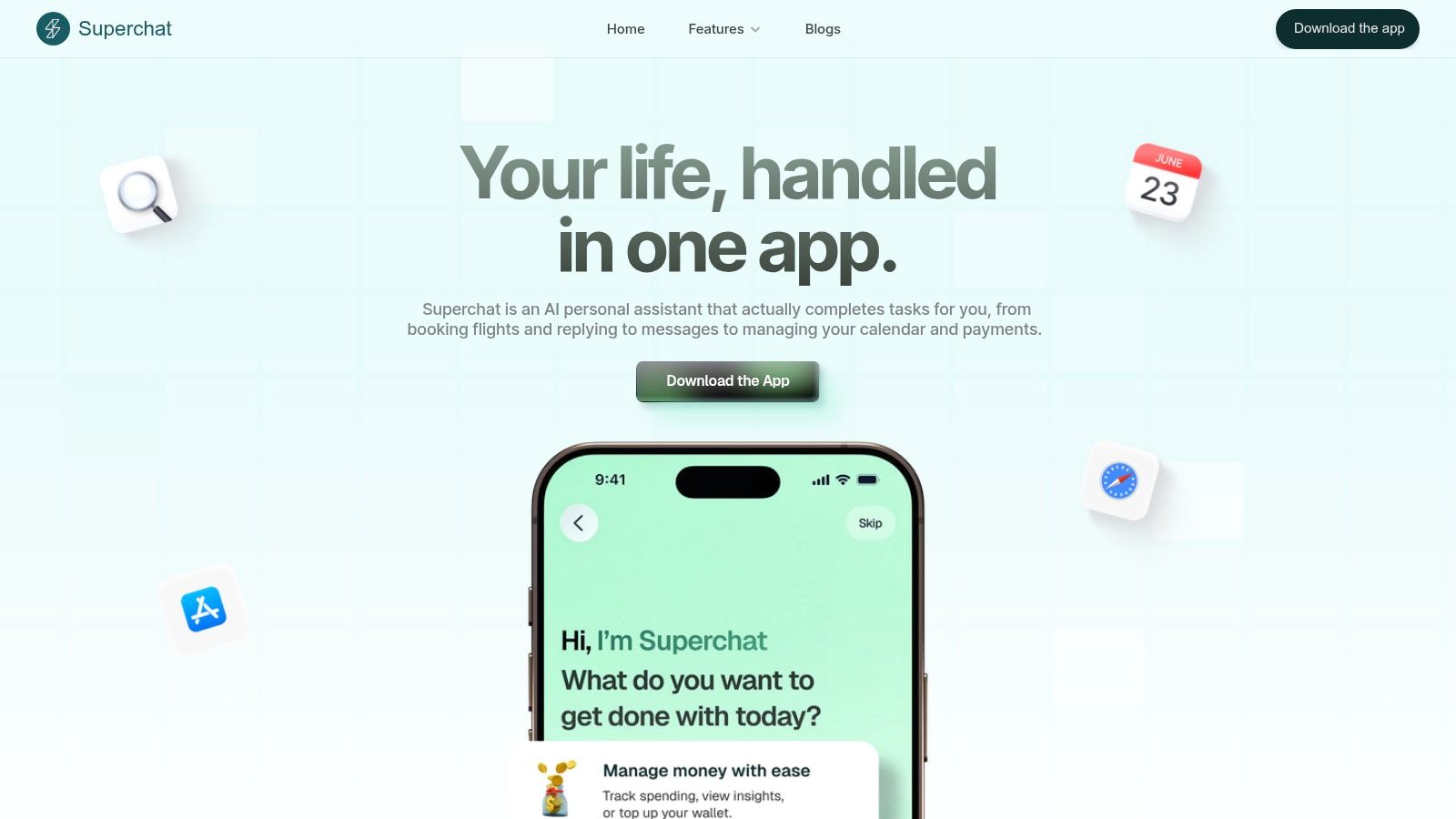
Monday starts with a calendar conflict, three unread follow-ups, a dinner reservation that needs to move, and a bill you forgot to pay. In that kind of day, another writing assistant will not help much. Superchat is built for a different job. It aims to carry work across apps and complete the next action.
That distinction matters. Plenty of AI tools can summarize, draft, or suggest. Superchat is more interesting for people whose bottleneck is coordination between calendar, messaging, bookings, and payments.
Why it stands out
Superchat works best as an execution layer for busy days that mix personal admin with professional logistics. You can ask it to reschedule something, send a follow-up, manage a reservation, or handle a payment-related task from the same thread. In practice, that reduces the small context switches that eat time and attention.
I see the appeal for one specific reason. It tries to replace a stitched-together stack with a single assistant, which is a different value proposition from tools that stay in one app and wait for prompts.
Its money features help make that case. The AI Money Assistant and Wallet & Payments push it beyond scheduling and reminders, which is useful for users who want one place to track bills, spending visibility, and day-to-day coordination.
Privacy is also a key factor. The product says user data is encrypted and never sold. If a tool needs access to your calendar, messages, and financial accounts, that claim matters as much as the feature set.
Practical rule: Choose Superchat when your biggest productivity problem is handoff between apps, not content creation inside a single app.
Industry coverage has pointed to tool overload and the appeal of a single-thread assistant for people juggling too many disconnected services, especially when cross-platform use and privacy matter more than staying inside one software ecosystem.
If you want a closer look at the execution-first model, Superchat’s own guide on how an AI personal assistant boosts productivity is a useful starting point.
Ideal user profile
Superchat is a strong fit for:
Executives on the move: You need bookings, schedule changes, reminders, and follow-ups handled quickly from one conversation.
Founders and operators: Your day is full of admin spillover across meetings, messages, and logistics.
Finance-conscious professionals: You want bill tracking and spending visibility tied to the same assistant that handles scheduling.
Tool-fatigued users: You are actively trying to reduce app switching instead of adding another point solution.
The trade-off is clear. To get the full benefit, you have to give it meaningful account access and trust the system with sensitive workflows. Pricing is also not clearly laid out in public materials, so evaluation may require more effort than a simple self-serve signup. For the right user, that friction is acceptable. For anyone who prefers best-in-class tools in separate categories, a stitched stack will still feel safer and more flexible.
2. Microsoft Copilot for Microsoft 365
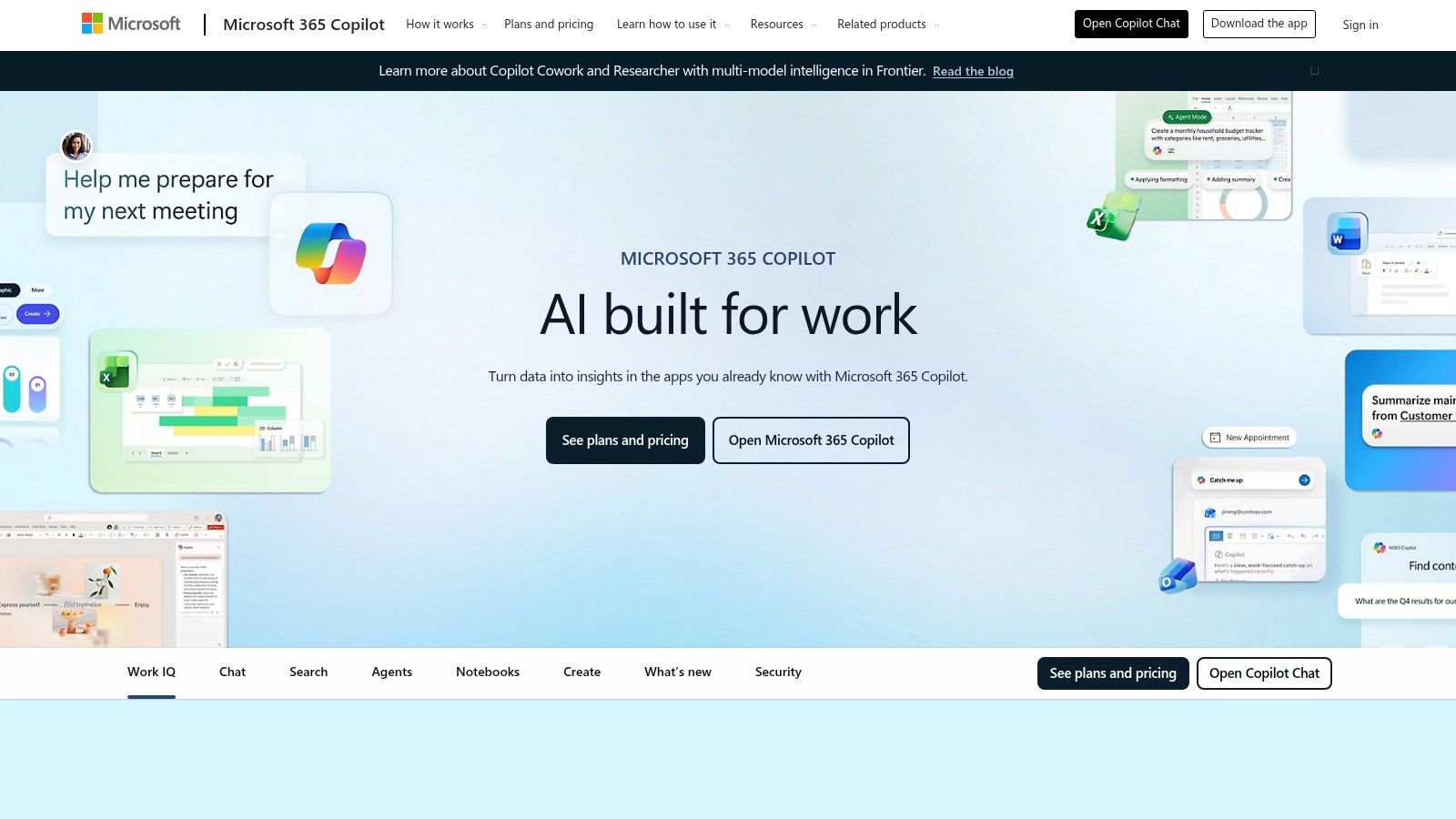
Microsoft Copilot for Microsoft 365 makes the most sense when your company already runs on Outlook, Teams, Word, Excel, and PowerPoint. In that setup, the best productivity gain often comes from staying inside the software people already know.
Where it works best
Copilot’s job is reducing friction inside familiar workflows. Drafting in Word, summarizing in Outlook, pulling patterns from Excel, and recapping discussions in Teams are all more valuable when users don’t need to learn a new operating system for work.
That’s why I usually recommend it to established companies, not tool collectors. If your team is standardized on Microsoft, Copilot is often the lowest-resistance way to add AI help.
There’s also a larger market signal behind this category. In 2025, AI-powered apps took five of the top 10 spots among the most downloaded Productivity & Tools apps, and ChatGPT alone reached 845.2 million downloads. That doesn’t prove Copilot is the winner for every use case, but it does confirm that AI-enhanced workflow tools are now mainstream behavior, not niche experimentation.
What doesn’t work as well is unclear packaging. Microsoft’s licensing and feature bundles have changed enough that budget planning can get messy, especially for mid-sized teams trying to compare plans across business units.
Copilot is easiest to justify when you already pay for Microsoft 365 at scale and want less app switching, not when you’re starting from scratch.
Ideal user profile: IT-led organizations, operations teams, finance teams, and managers who need AI inside office software they already use every day.
3. Google Workspace with Gemini
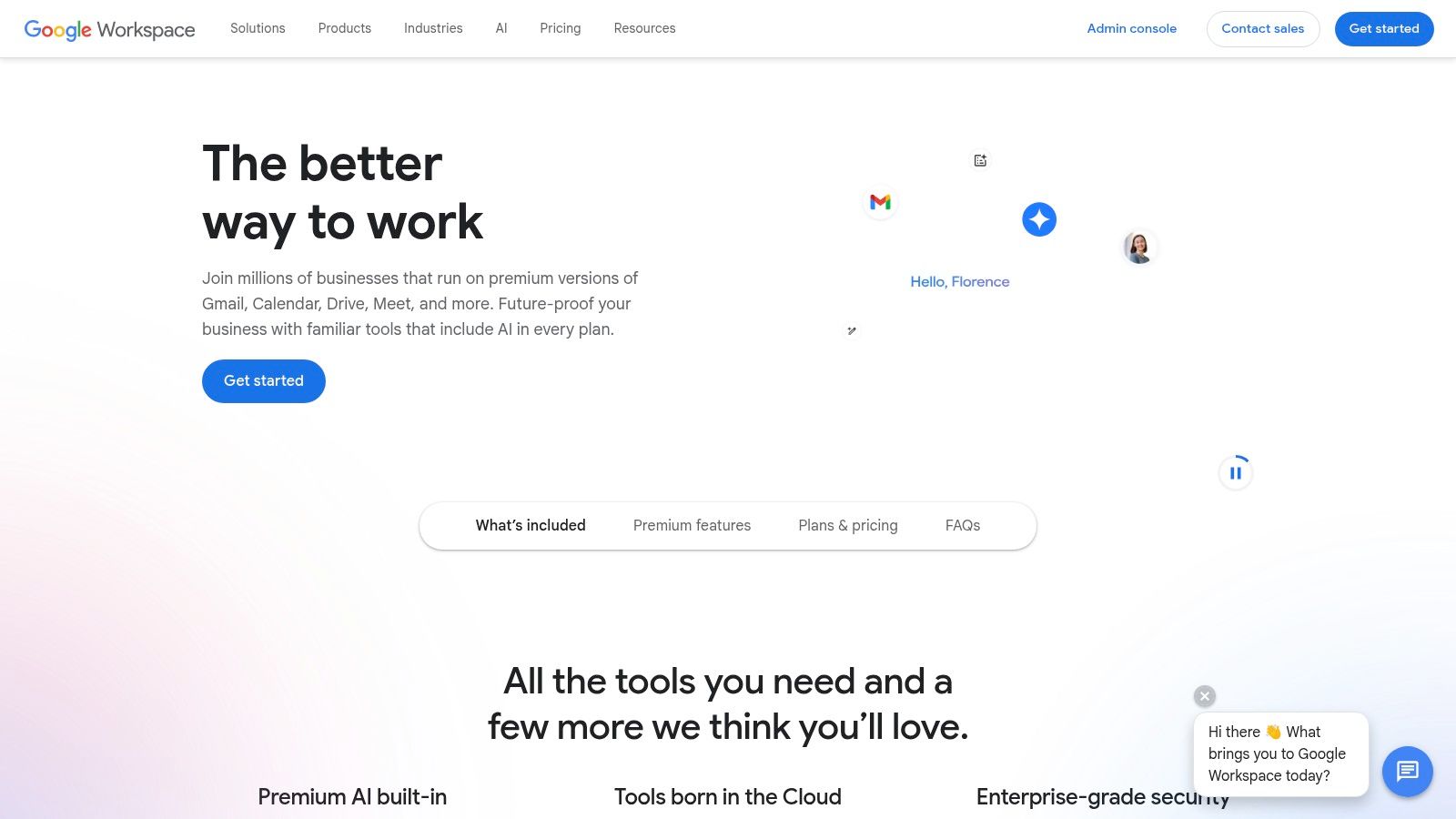
If your workday lives in Gmail, Docs, Sheets, Slides, and Meet, Google Workspace with Gemini is the cleanest option on the board. It keeps AI close to the documents, inboxes, and meetings where the work already happens.
Best fit
Google’s strength is native placement. You don’t need to export your thinking into a separate app just to get writing help, spreadsheet assistance, or meeting support. For many teams, that lowers adoption friction more than any flashy feature list.
I’ve seen this work especially well for lean teams that prefer speed over process. Agencies, startups, and distributed teams often do better with Google’s lighter collaboration style than with heavier enterprise systems.
The trade-off is rollout consistency. Gemini features vary by plan and can arrive in phases, so two companies both “using Workspace with Gemini” may have very different experiences. That matters if you’re trying to standardize training or support.
This is also where ecosystem lock-in needs honest attention. Some users want a native suite and are happy staying inside it. Others need tools that work across operating systems, accounts, and personal-professional boundaries without feeling boxed in. If you’re in the second group, Google’s native approach may feel efficient but incomplete.
Ideal user profile: teams already standardized on Google Workspace, especially those that want writing, meeting, and spreadsheet help without adding another daily destination.
4. Notion with Notion AI
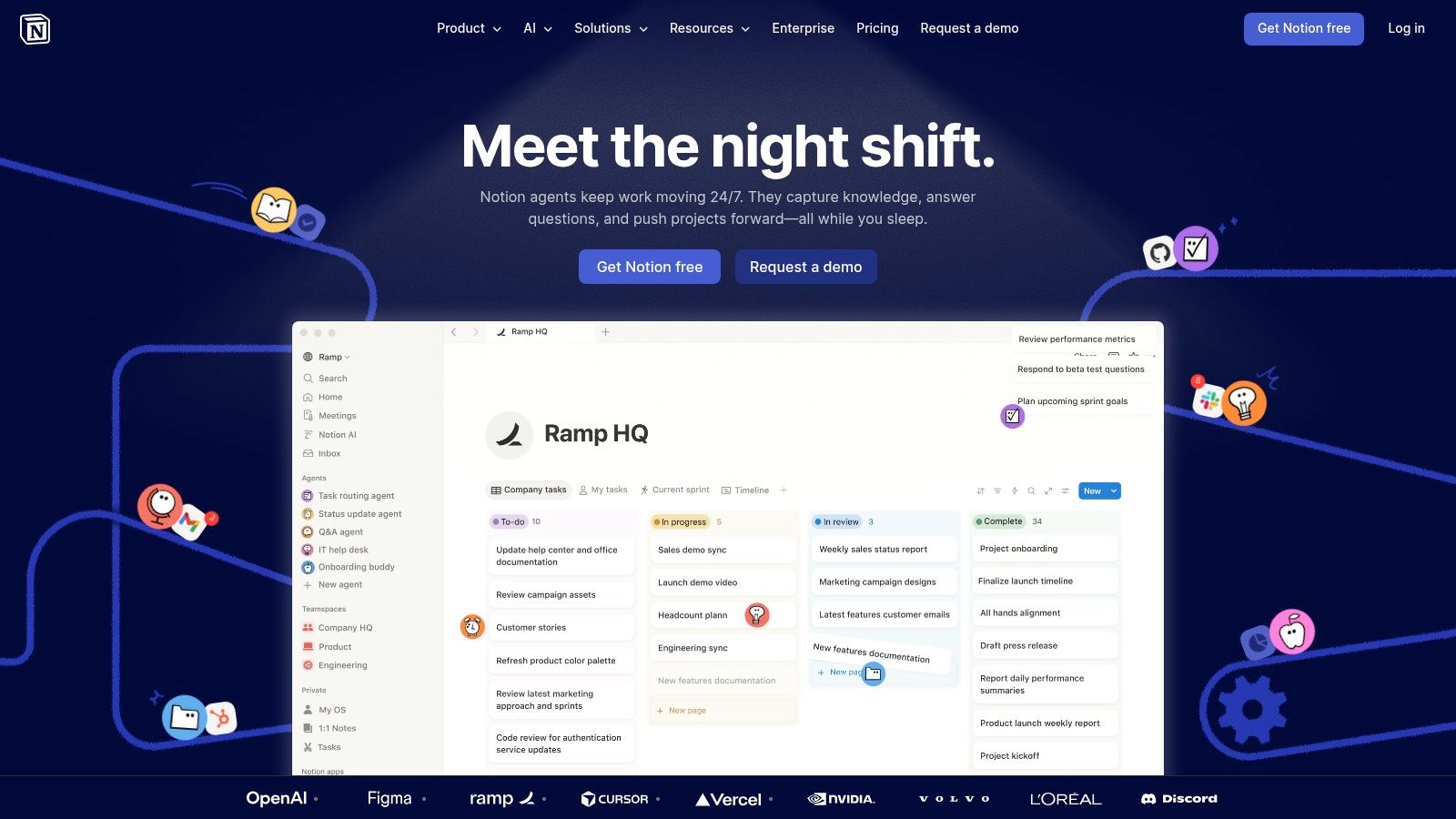
Notion with Notion AI is still one of the best ai productivity apps for people who think in systems. If you like docs, tasks, databases, wikis, and planning living together, Notion remains hard to beat.
What it does better than most
Notion’s best use case isn’t “AI writing.” Plenty of tools can rewrite a paragraph. Notion is better when the job is turning scattered team knowledge into something queryable and reusable.
That can look like meeting notes tied to project pages, databases enriched with AI help, or documentation that doesn’t die after one sprint. The AI becomes more useful as your workspace gets more structured.
The downside is that Notion rewards people who are willing to design their workspace. If your team doesn’t maintain naming conventions, ownership, and page hygiene, the AI layer can’t save you from the mess. It will summarize disorder faster, but it won’t fix the underlying structure.
There’s also a trust angle worth considering. Broader privacy concerns around AI tools have made some teams more cautious about what they feed into knowledge systems, especially when internal docs include client, product, or financial context. If your organization is already sensitive to data handling, review those policies before you make Notion the center of your operation.
Ideal user profile:
Knowledge-heavy teams: Product, strategy, ops, and internal enablement.
Founders who document everything: You want one workspace for plans, notes, and execution.
Teams replacing separate wiki and docs tools: Notion can reduce sprawl if you commit to it.
Notion is excellent for organized builders. It’s less ideal for teams that want structure without having to create it.
5. Slack AI
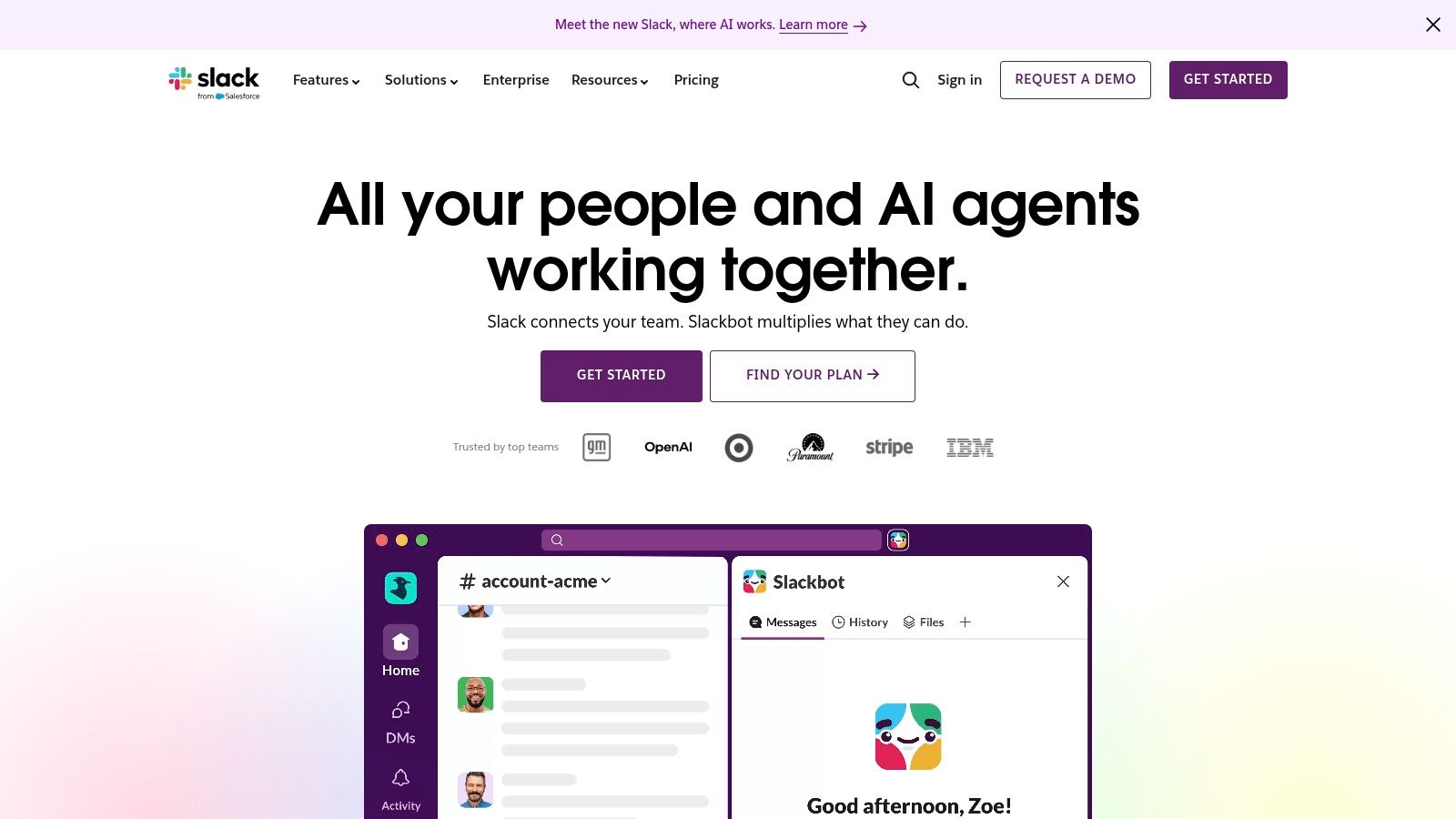
Slack AI earns its keep fastest of any tool on this list. If your company runs on chat, AI summaries and conversational search solve an immediate pain you can feel on day one.
Who should choose it
Slack AI is for teams drowning in channels, threads, handoffs, and “quick updates” that aren’t quick to reconstruct later. The best feature isn’t novelty. It’s recovery. You miss a few hours, or a few days, and the tool helps you catch up without reading every reply.
That makes it especially useful for managers, cross-functional leads, and new hires. The more conversation-heavy your culture is, the more valuable summaries become.
Still, Slack AI has a ceiling. It helps with retrieval and recap, but it doesn’t replace the systems behind the work. If your tasks live in Asana, your docs live in Notion, and your schedule lives elsewhere, Slack AI reduces communication drag without consolidating your workflow.
If your team says “it’s probably in Slack somewhere” several times a week, Slack AI is probably worth testing.
The catch is channel hygiene. If people use vague titles, pile unrelated topics into one channel, or leave decisions trapped in side conversations, AI can only clean up so much. Better summaries don’t fix bad communication habits.
Ideal user profile: teams that already live in Slack and need faster catch-up, better search, and lighter automation from inside chat.
6. Reclaim.ai
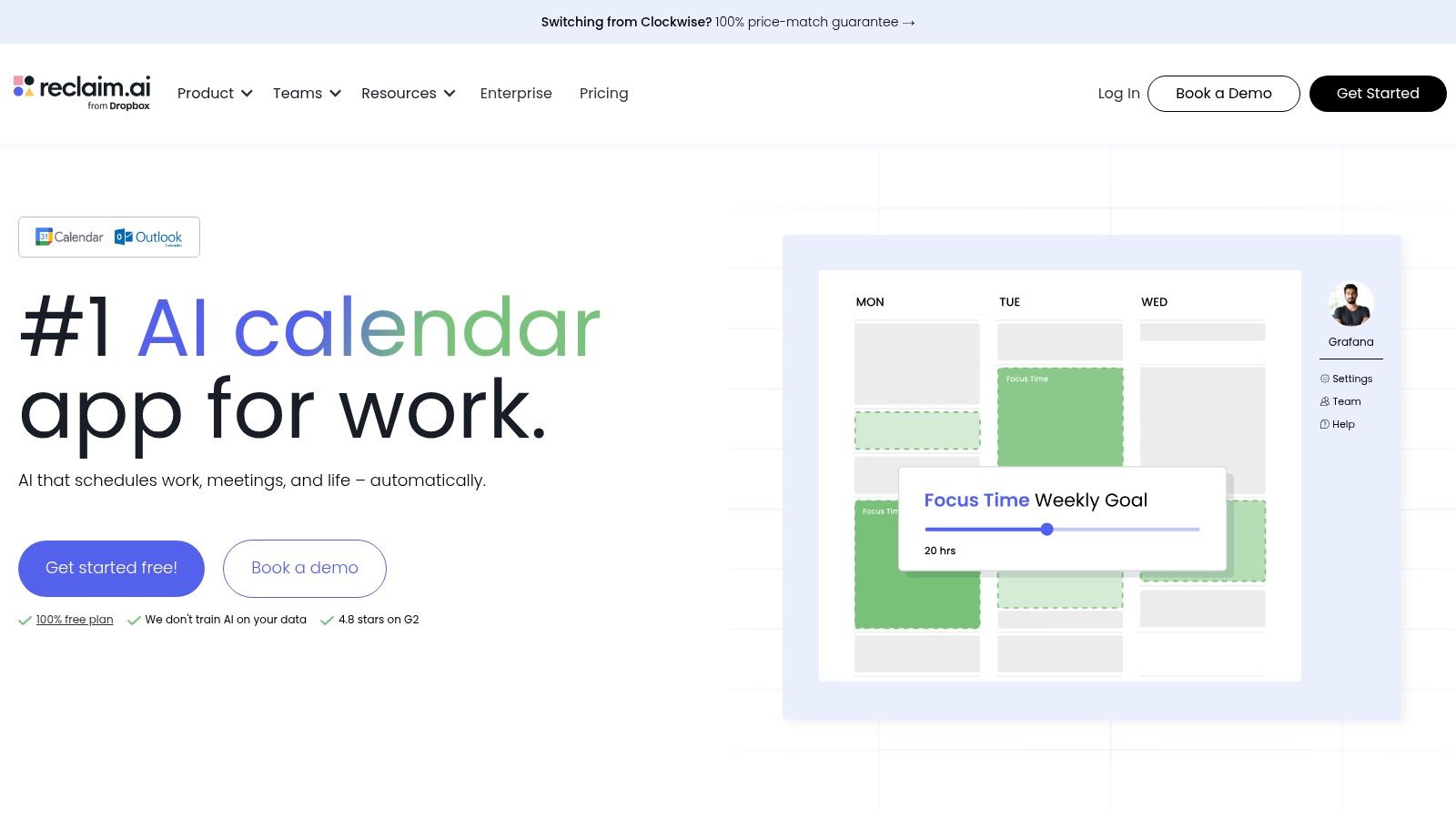
Reclaim.ai is for people who don’t need another to-do list. They need a calendar that fights back on their behalf.
When it clicks
Reclaim’s job is simple to describe and hard to do manually. It protects focus time, auto-schedules priorities, and keeps reshuffling the calendar as meetings and deadlines move around. For founders, executives, and anyone whose day gets rearranged by other people, that’s a practical use of AI.
I like Reclaim most for users who already know their priorities but fail at defending them in the calendar. The software is strongest when your work is real and your week is unstable.
This is also where the distinction between “assistant” and “planner” matters. Reclaim doesn’t try to become your all-in-one command center. It specializes in time management. If that’s the bottleneck, specialization is a good thing.
Its main hurdle is trust. Some people love auto-scheduling immediately. Others keep overriding it because they don’t like a tool deciding when deep work happens. That behavior usually means one of two things: the setup needs tuning, or the user wants control more than automation.
For a broader view of this category, Superchat’s article on AI for time management is a useful complement because it frames when scheduling tools help and when a broader assistant is the better fit.
Ideal user profile:
Calendar-driven leaders: Your week changes constantly.
People with recurring habits and deep work blocks: You want them protected automatically.
Teams coordinating across work and personal calendars: Availability matters.
Reclaim is excellent at defending time. It won’t solve messy project execution or communication sprawl.
7. Motion
Motion fits a familiar scenario. The calendar is full by 9 a.m., three priorities are competing for attention, and the core problem is not capturing work. It is deciding what to do now, then rebuilding the day every time something slips.
That job to be done matters. Motion is less about protecting open time and more about turning a pile of tasks and meetings into an execution plan. It auto-schedules work, reshuffles blocks when the day changes, and pushes users toward the next best action. For independent operators and small teams, that can remove a surprising amount of planning friction.
The trade-off is control.
Motion works best for people who want the tool to make decisions. Users who enjoy manually shaping their day often push back on its logic, override the schedule, or stop trusting the system after a few frustrating moves. In practice, that usually means Motion is a fit problem, not a feature problem. The product is doing what it was built to do.
I recommend Motion for users who say, “My priorities are clear, but my day keeps getting rebuilt.” I do not put it first in front of teams that need a shared workspace for docs, chat, project coordination, and meeting follow-up in one place. If meeting capture and action extraction are part of the bottleneck, a dedicated AI meeting assistant for turning conversations into next steps may solve a different problem more directly.
That distinction also helps when choosing between an all-in-one assistant and a stitched-together stack. Motion is a point solution. A good one. If scheduling is the constraint, specialized software often beats a broader assistant. If the underlying issue is that work is scattered across inboxes, notes, meetings, and tasks, Motion will improve the calendar without fixing the system around it.
Ideal user profile
Founders and consultants with volatile days: You need the plan rebuilt fast without doing it yourself.
Sales leads and client-facing operators: Meetings keep moving, and task time disappears unless software protects it.
Small teams that want strong personal planning: You value execution support more than broad collaboration features.
Motion is strongest as a daily planning engine. It is weaker as a full operating system for team productivity.
8. ClickUp Brain
ClickUp Brain makes the most sense for teams that already use ClickUp seriously. Not casually. Seriously.
Who gets the most value
ClickUp has always tried to be a central workspace for tasks, docs, planning, and execution. Brain extends that by adding writing help, summaries, meeting capture, and action extraction into the same environment. When that clicks, teams spend less time copying information between apps.
The upside is consolidation. The downside is complexity. ClickUp is powerful, but it asks users to learn its structure. If your team hasn’t committed to ClickUp as a source of truth, adding AI won’t change that.
This category does have supporting evidence beyond product marketing. In broader productivity ecosystem benchmarks, connected tools inside workflow platforms have been associated with strong efficiency gains, and analyses referenced in Zapier’s roundup note workflow friction can drop significantly when AI is embedded into workspaces instead of bolted on afterward.
A few practical reasons teams choose ClickUp Brain:
Project execution stays close to the AI layer: Writing, summaries, and task context live in the same place.
Meeting outputs can become action items quickly: That’s useful for fast-moving teams.
Views and templates are mature: Teams can shape the workspace to fit process-heavy operations.
The main trade-off is plan clarity. AI add-ons, credits, and limits can confuse buyers, especially when multiple admins are involved.
Ideal user profile: operations-heavy teams, agencies, product teams, and any organization already standardized on ClickUp who wants AI inside project execution rather than in a separate assistant.
9. Otter.ai
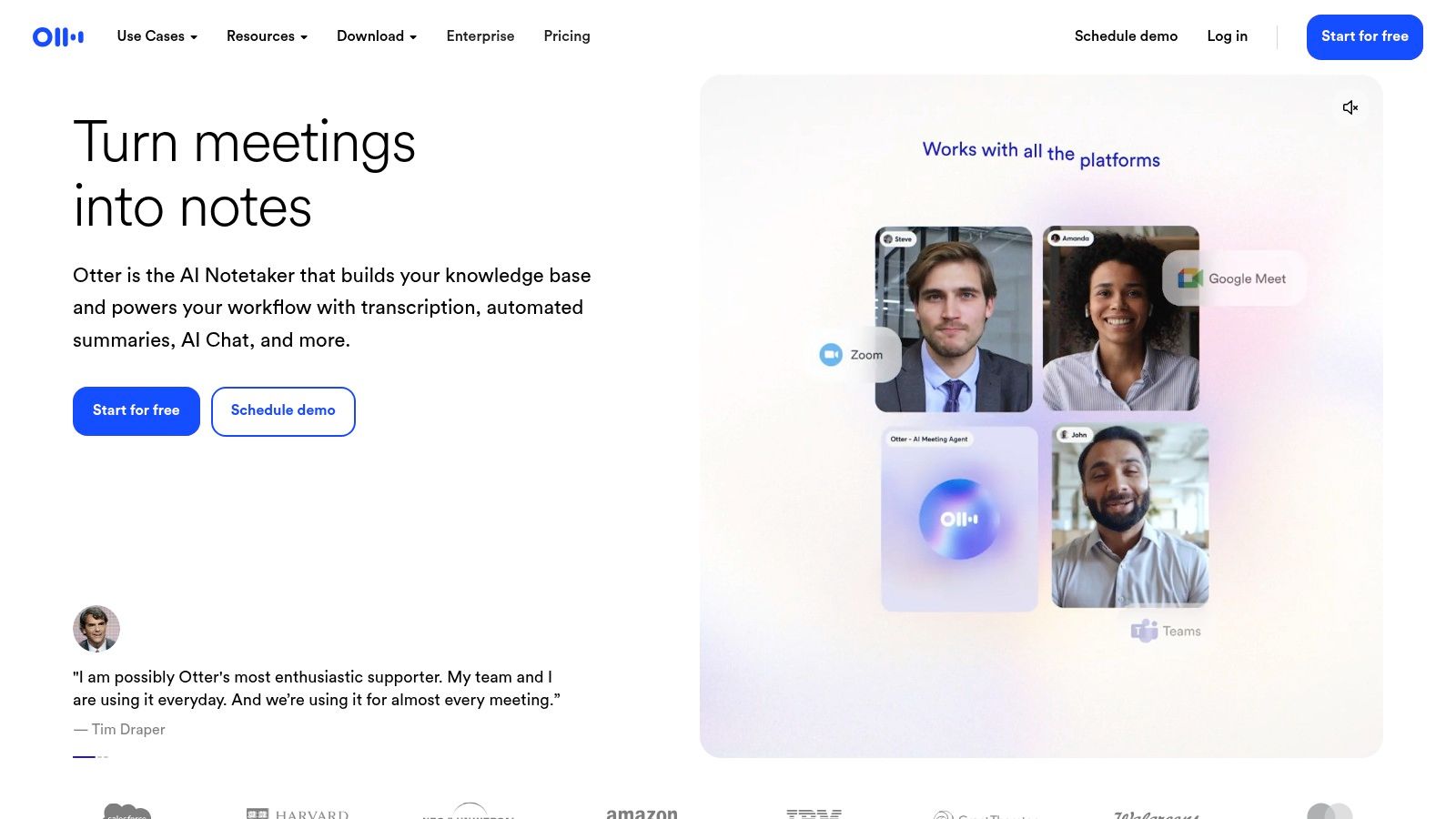
Otter.ai is still one of the easiest AI tools to justify because it solves a visible, repetitive problem. Meetings create information. Many teams struggle to preserve it.
Where it earns its place
Otter records, transcribes, summarizes, and makes conversations searchable. That’s the job. It’s not trying to become your project manager, inbox, calendar, or life operating system, and that focus is part of its appeal.
For executives, client-facing teams, recruiters, product managers, and anyone who spends large chunks of the week in calls, searchable notes are a valuable upgrade. You stop relying on memory and scattered follow-ups.
That said, Otter is best when you accept it for what it is. It captures meetings. It doesn’t close the loop on everything that comes after. You’ll still need a destination for tasks, decisions, and ownership.
If meetings are a major part of your workflow, Superchat’s piece on the AI meeting assistant is worth pairing with Otter because it helps frame when transcription alone is enough and when you need a more action-oriented assistant around it.
Good meeting AI should reduce rewatching, note chasing, and “what did we decide?” messages. Otter usually does that well.
Ideal user profile: heavy meeting participants who need reliable recaps and searchable conversation history more than broad workflow automation.
10. Superhuman Suite Mail Grammarly Coda Go
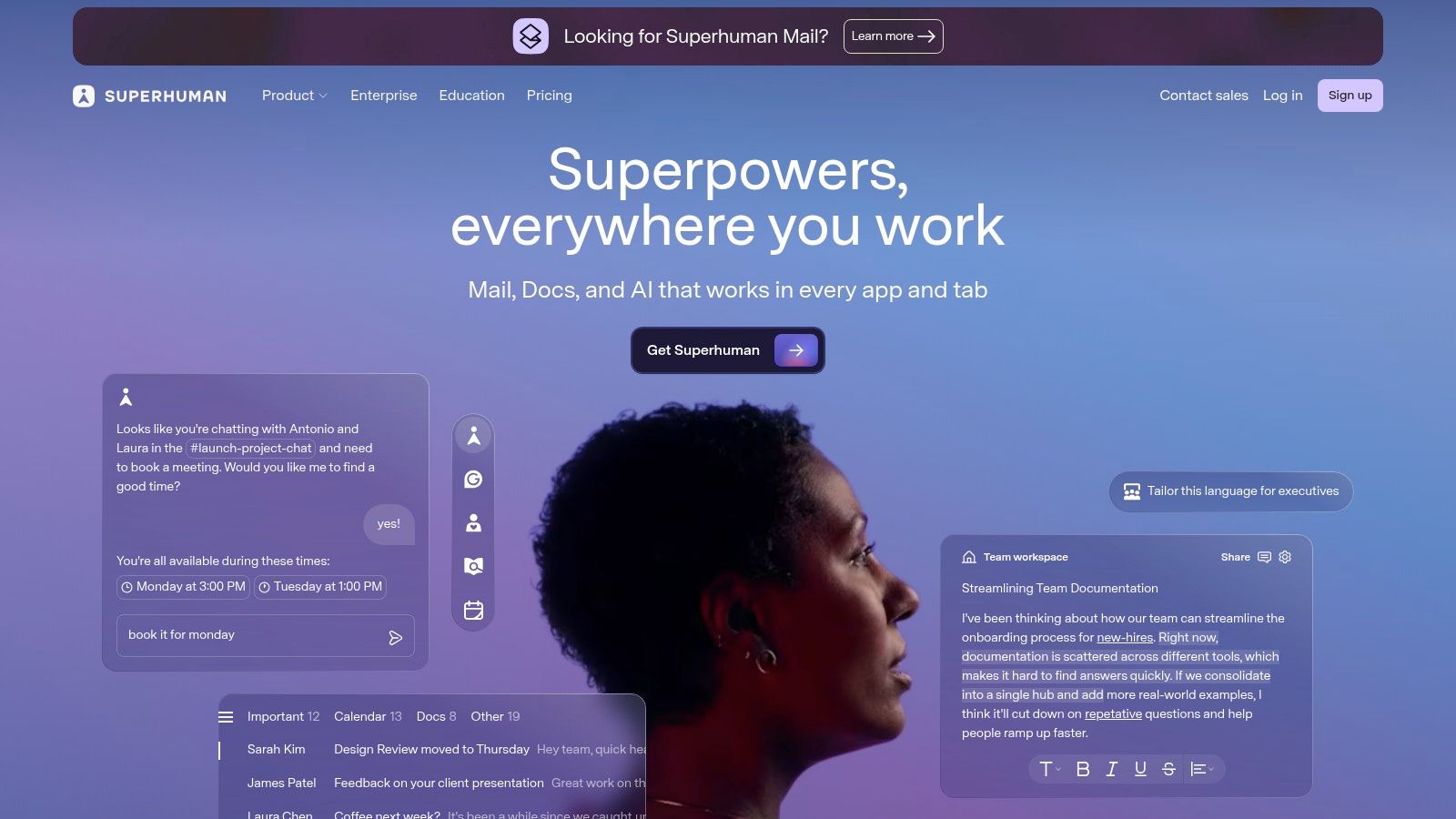
Superhuman Suite is a different kind of productivity stack. Instead of one broad assistant or one workplace platform, it combines several focused tools around communication and knowledge work.
Who it suits
The centerpiece is still email. If your day is shaped by inbound and outbound communication, Superhuman Mail can save time through faster triage, drafting, scheduling, and reply handling. Grammarly strengthens writing quality. Coda supports docs and collaborative work. Go aims to add cross-app AI behavior on top.
This setup works best for people whose main bottleneck is communication velocity, not scheduling complexity or deep project orchestration. I’d put it in front of leaders, operators, recruiters, and sales-heavy users who live in their inbox and need cleaner writing plus faster follow-through.
There’s also a broader strategic point here. Email still matters because agents and assistants often need an inbox to operate effectively across business workflows. That’s one reason the argument in Why Agents Need Real Inboxes lands with so many operations teams. Communication remains the control surface for a lot of work.
The limitation is suite cohesion. Because parts of the bundle are still evolving, especially newer cross-app layers, you need to be comfortable with a product family that may keep changing. Some buyers like that pace. Others would rather choose a mature all-in-one or a simpler single-purpose tool.
Ideal user profile: email-centric professionals who want faster responses, stronger writing, and collaborative docs without abandoning familiar communication habits.
Top 10 AI Productivity Apps, Quick Comparison
Product | Core features | Quality (★) | Value / Price (💰) | Target audience (👥) | Unique selling points (✨) |
|---|---|---|---|---|---|
🏆 Superchat | Action-first AI assistant; calendar, messages, travel & finance sync; Wallet & Money Assistant | ★★★★☆ | 💰 Free trial; pricing private/contact | 👥 Founders, execs, frequent travelers, busy professionals | ✨ Private encrypted chat that completes bookings, payments & follow-ups |
Microsoft Copilot for Microsoft 365 | Context-aware AI across Word, Excel, PowerPoint, Outlook & Teams; Copilot Chat | ★★★★☆ | 💰 Included in M365 tiers / enterprise pricing | 👥 Enterprises, knowledge workers, IT admins | ✨ Deep native integration inside familiar productivity apps |
Google Workspace with Gemini | Gemini in Gmail, Docs, Sheets, Slides & Meet; writing, data analysis, meeting assist | ★★★★☆ | 💰 Workspace plans with Gemini tiers | 👥 Organizations standardized on Google Workspace | ✨ Native AI for writing, data and live meeting help |
Notion (with Notion AI) | Docs, databases, tasks + AI writing, summarization, meeting notes & queries | ★★★★☆ | 💰 Free tier; AI on Business/Enterprise plans | 👥 Teams, creators, knowledge workers | ✨ AI queries over workspace data + flexible templates |
Slack AI | Channel/thread summaries, huddle recaps, conversational search & AI workflows | ★★★☆☆ | 💰 Included by plan; advanced AI on higher tiers | 👥 Teams that live in Slack and need fast catch-up | ✨ Instant summaries and conversational search inside chat |
Reclaim.ai | Priority-driven auto-scheduling, smart meetings, planner & calendar integrations | ★★★★☆ | 💰 Free tier; paid for advanced features | 👥 Founders, executives, busy teams | ✨ Protects focus time with adaptive auto-scheduling |
Motion (UseMotion) | AI calendar, automatic task placement, day building & re-planning | ★★★☆☆ | 💰 Free trial; paid tiers for teams | 👥 Busy professionals & small teams | ✨ Strong daily automation for shifting priorities |
ClickUp Brain | Project mgmt + AI for writing, summaries, meeting capture & agent automations | ★★★★☆ | 💰 Base plans + AI add-on (credits/quota) | 👥 Project teams, PMs, operations | ✨ Combines rich PM views with AI action extraction |
Otter.ai | Live transcription, speaker ID, summaries, keywords & action items; calendar sync | ★★★★☆ | 💰 Free tier; paid minutes/teams plans | 👥 Execs, product teams, frequent meeting participants | ✨ Reliable searchable meeting notes & action extraction |
Superhuman Suite (Mail, Grammarly, Coda, Go) | Superhuman mail + Grammarly writing + Coda docs + cross-app Go AI | ★★★★☆ | 💰 Suite subscriptions; business plans available | 👥 Individuals & teams focused on email, writing & docs | ✨ Suite-level speed: instant replies, strong writing & collaborative docs |
Final Thoughts
The right AI productivity app depends on the job you need done.
That sounds obvious, but it is the mistake I see most often in tool selection. Teams compare a meeting recorder, a scheduling engine, a workspace AI layer, and a personal assistant as if they solve the same problem. They do not. Each one removes a different bottleneck, and the best choice usually becomes clear once you name the recurring friction in your day.
I use a simple filter with clients. Start with the task that repeatedly steals time or attention. If the core issue is execution across scattered admin, communication, scheduling, and follow-up, an all-in-one assistant often creates more value than adding another point solution. If your company already runs on Microsoft or Google and wants AI with minimal change management, the native suite tools are usually easier to adopt. If calendar churn is the pain point, Reclaim or Motion deserve a closer look. If meetings create the mess, Otter is the more direct fix. If work disappears across docs, projects, and requests, Notion or ClickUp may fit better.
The ideal user profile matters as much as the feature list.
An executive who needs travel changes, payments, reminders, and follow-ups handled from one place should evaluate very differently than a project team that already has strong workflows in Slack and ClickUp. A stitched-together stack can outperform a single assistant when each tool owns a narrow job well. It also brings overhead. More setup, more handoffs, more context switching, and more chances for work to fall between apps.
Access is another practical trade-off. The tools that can do more usually need deeper permissions across email, calendar, docs, meetings, or payments. That can be a fair exchange if the app is saving work every week. It is a poor exchange if it mostly drafts text you still have to manage yourself. Evaluate AI tools the same way you would evaluate a hire. Give access in proportion to the outcomes you expect.
My advice is simple. Buy the app that removes a task you already avoid, delay, or redo. Keep the stack as small as possible. Add a second or third tool only when it clearly owns a different job and earns its place in daily use.
If you want one place to begin, start with the sharpest source of friction and solve that first.
Superchat is a reasonable starting point for people trying to replace a patchwork of assistants, schedulers, and admin tools with one private, action-oriented system. As noted earlier, its appeal is not just summarizing work. It is handling concrete tasks like scheduling, bookings, follow-ups, payments, and day-to-day coordination inside a single thread. For founders, executives, and frequent travelers, that job-to-be-done focus can matter more than having the longest feature list.
Made with the Outrank tool


