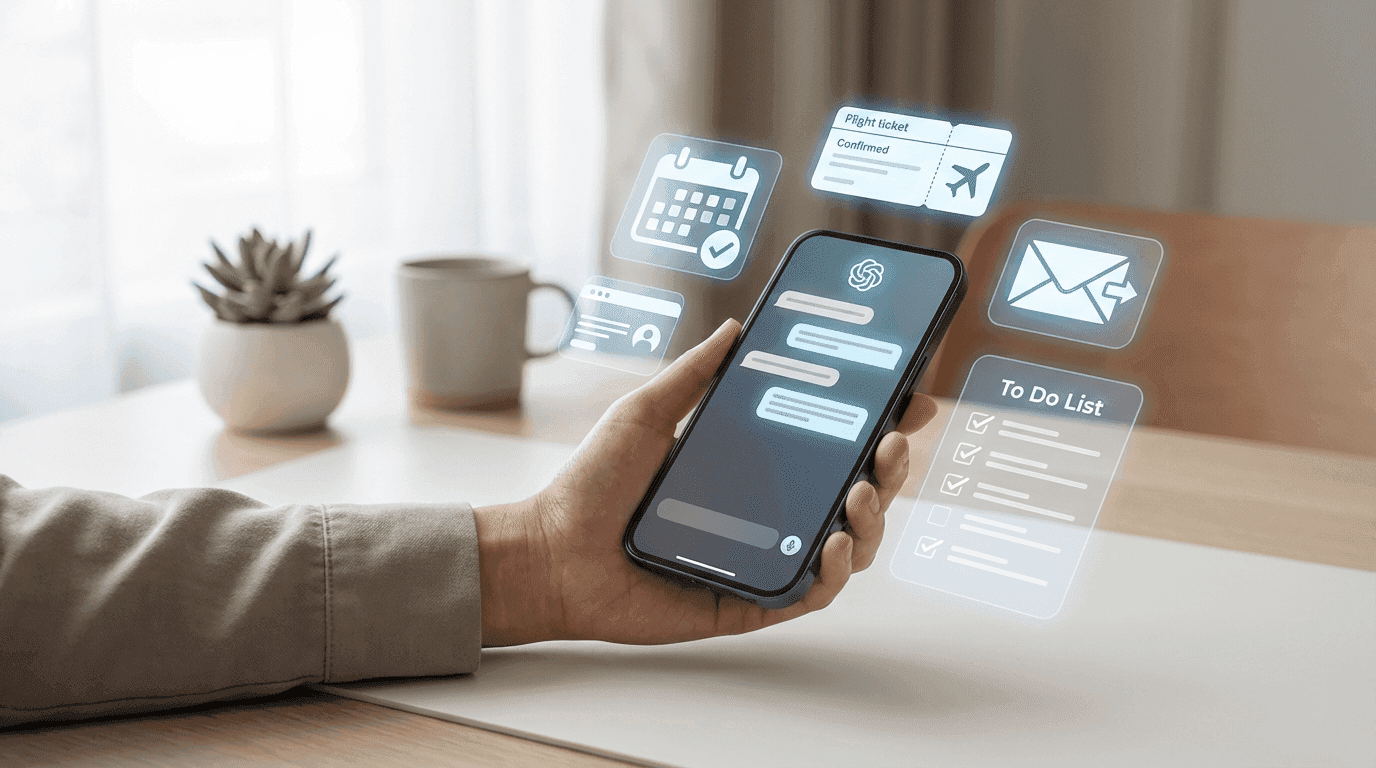
Is your busy daily schedule eating up your time with routine tasks like booking flights, rescheduling meetings, or replying to endless emails? Most professionals lose up to two hours per day on simple administrative work.
In this guide, we reveal the 10 best AI personal assistant apps in 2026 to help you choose the right one — and reclaim real, measurable productivity.
Introduction
As we approach the end of 2026, artificial intelligence is no longer a futuristic concept. It’s a daily reality. Imagine having a personal assistant that never sleeps — one that schedules your meetings, writes your messages, and handles repetitive tasks while you focus on what truly matters.
The competition is intense, and the options are overwhelming. AI assistants have evolved far beyond simple chatbots. They are now true productivity partners. The numbers confirm this shift: ChatGPT surpassed 250 million weekly active users by May 2026, signaling massive global adoption. This article highlights the tools that truly stood out this year.
What Is an AI Personal Assistant?
An AI personal assistant is a smart software designed to act as your digital right hand. Unlike traditional search engines that simply return links, an AI assistant understands context, remembers preferences, and executes commands.
The key difference is understanding and execution.
Instead of searching how to write a formal email, the assistant writes it for you in seconds.
“ChatGPT is a powerful AI assistant that performs writing, research, proofreading, summarization, and data analysis tasks.” ONLYOFFICE Blog
How Does an AI Personal Assistant Work?
It may feel like magic, but AI assistants rely on several core technologies working together:
Natural Language Processing (NLP): Enables the assistant to understand human language and convert it into actionable commands.
API Integrations: The assistant connects with external apps like calendars, email, web services, and note-taking tools.
Generative Models: Large language models (such as GPT or Gemini) generate fast, human-like responses.
Benefits of Using AI Personal Assistant Apps
Why use an AI assistant? The short answer: to get your time back.
In a fast-moving world, every minute spent on repetitive work is lost productivity. Understanding the future of personal productivity is key to staying ahead in a landscape where AI handles the heavy lifting.
Key Benefits:
Time savings: Automate writing, summarization, and routine replies.
Cross-platform support: Works seamlessly across Windows, Android, and iOS.
Instant information: Real-time search and fast interaction with documents, images, and files.
The 10 Best AI Personal Assistant Apps in 2026
In 2026, AI assistants serve a wide range of needs, from writing and research to scheduling and real-world execution. Here’s a comparison of the top players:
App | Key Strength |
ChatGPT | 250M+ users and unmatched general intelligence |
Gemini | Deep integration with Google Workspace |
Perplexity AI | Reliable answers with cited sources |
Grok | Trained on live X (Twitter) data |
1. Superchat
Superchat is not just a chatbot, it’s an execution-first personal AI assistant, built and developed in the UAE. What sets it apart is its ability to turn conversations into real-world actions.
Instead of just planning a trip, Superchat can book the tickets for you.
The app aims to save users up to two hours per day by handling real-life tasks such as scheduling meetings, paying bills, and conducting complex research, all through a single chat interface with strong privacy protections.
2. Microsoft Copilot
If you work in a Microsoft-heavy environment, Copilot is a natural choice. It’s deeply integrated into Windows and Office 365.
Copilot excels at office productivity:
Turning Word documents into PowerPoint slides
Summarizing long Teams meetings
Extracting action items from documents
Ideal for professionals living inside spreadsheets and presentations.
3. Google Gemini
Gemini is Google’s powerful AI assistant, tightly embedded into Gmail, Docs, and the wider Google ecosystem.
“Gemini works as a personal assistant directly inside Gmail and Docs without leaving the ecosystem.” — entarabi.com
It can read emails, suggest replies, remind you of bills, and help draft contextual responses — all inside Google apps.
4. Motion
Motion focuses entirely on time and project management. Think of it as an AI operations manager for your calendar.
You enter tasks and meetings, and Motion automatically schedules everything. If priorities change, it dynamically reorganizes your entire day.
5. Notion AI
For note-takers and planners, Notion AI is the best choice. It’s not a standalone app, but an intelligence layer inside Notion.
It summarizes notes, improves writing, and generates ideas based on your existing knowledge base — effectively turning your workspace into a second brain.
6. Pi AI
Unlike strict productivity tools, Pi (by Inflection AI) focuses on emotional intelligence and conversational support.
It’s ideal for thinking out loud, coaching, and reflective conversations, with a friendly and natural tone that feels more human than most assistants.
7. Reclaim.ai
Reclaim is your calendar’s bodyguard. It specializes in time blocking, protecting time for deep work, breaks, and personal routines.
Integrated with Google Calendar, it negotiates meetings on your behalf to maintain work-life balance.
8. Claude AI
Developed by Anthropic, Claude is known for safety and its ability to handle massive amounts of context.
You can feed it entire books or large codebases. Claude 4.5 Sonnet is especially popular among developers and researchers in 2026.
9. Perplexity AI
Perplexity is a modern alternative to search engines. Instead of links, it delivers direct answers with sources.
“Perplexity AI provides reliable answers with citations — ideal as a personal assistant.” — YouTube comparison
Perfect for researchers, students, and fact-checking professionals.
10. Grok AI
Built by xAI, Grok stands out due to its access to live data from X (formerly Twitter).
“Grok is trained on X/Twitter data for fast and accurate responses.” — YouTube comparison
It’s unbeatable for real-time news, trend analysis, and public sentiment tracking.
How to Choose the Best AI Personal Assistant for You
There’s no single “best” assistant for everyone. The right choice depends on your workflow and lifestyle.
Key Criteria to Consider:
Context capacity (tokens): Higher limits mean better understanding of large files.
Device support: Some tools allow up to 5 devices simultaneously.
Pricing model: Lite plans for casual users, Pro plans for heavy professional use.
Best Practices to Get the Most Out of AI Assistants
To maximize results, you need to learn how to talk to AI effectively by mastering the art of prompting. This ensures the assistant understands your tone, constraints, and specific goals.
Use real-time search for up-to-date information
Leverage visual inputs (images, screenshots, documents)
Prioritize privacy, especially when using APIs or sensitive data
Common Mistakes (and How to Avoid Them)
AI assistants are powerful — but not perfect.
Avoid these pitfalls:
Blind trust: Always verify critical facts.
Sharing sensitive data: Avoid passwords, financial info, or trade secrets.
Ignoring updates: New versions bring better performance and security.
Conclusion
An AI personal assistant is meant to empower you, not replace you. Whether you choose Superchat for real-world task execution or Copilot for office productivity, the goal is the same: a more organized, efficient life.
Advanced AI is now accessible at the cost of a cup of coffee. The only remaining question is: will you use it to work smarter?
Frequently Asked Questions
How much do AI personal assistant apps cost in 2026?
Prices range from free to $20/month. ChatGPT Plus costs $20, Gemini Advanced is $20, and Superchat starts at $4 for premium plans (Download and check it out)
Do AI personal assistants support Arabic?
Yes. ChatGPT, Gemini, and Superchat support Arabic fluently, including local dialects. Claude and Perplexity offer ~95% accuracy.
What’s the difference between free and paid assistants?
Free plans have limits. Paid plans offer unlimited queries, faster responses, deeper integrations, and priority performance.
Can these apps work offline?
Some assistants (like Superchat and Copilot) support limited offline functionality, but advanced features require internet access.
How can I protect my privacy?
Use private modes, personal APIs, automatic chat deletion, and avoid sharing sensitive information.